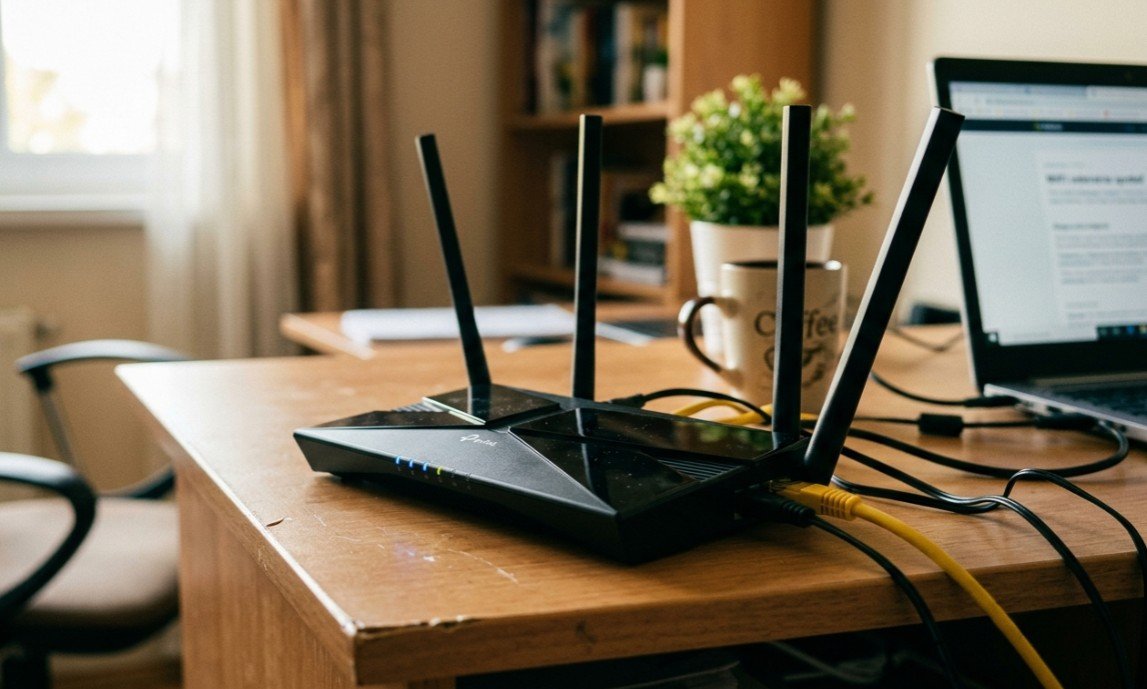
A WiFi router is the device that turns the internet connection arriving at your home into a wireless network, and on an NBN service it either replaces or sits behind the modem your provider supplied. The best WiFi routers Australia sells are chosen on coverage before speed, because almost every current router already exceeds what an NBN plan can deliver.
The category splits into a few clear types. Single routers broadcast from one unit and suit apartments and small homes. Mesh systems use two or three nodes sharing one network name to cover larger or multi-storey homes. Wi-Fi 7 systems run the newest standard for future devices, and mobile hotspots use a SIM and a battery to provide internet where no fixed line exists.
The figure worth understanding is that an AX1800 router already handles 1,800 Mbps, while Australia’s fastest common NBN tier delivers 100 Mbps and even NBN 1000 tops out at a gigabit. Buying more wireless throughput does not make the internet faster; it only helps when moving files between devices on your own network, so spend the money on coverage instead.
This guide compares nine routers and mesh systems across all of those types, from an entry AX1500 two-pack to a Wi-Fi 7 system and a battery-powered 4G hotspot, with speed class, node count and coverage set out for each.
Best WiFi Routers Australia Compared
| Product | Link | Type | Best For | Key Spec |
|---|---|---|---|---|
| TP-Link Deco X55 3-Pack | Check price | Mesh system | Large or double-storey homes | AX3000, three units |
| ASUS ZenWiFi XD5 2-Pack | Check price | Mesh system | Buyers who want control | AX3000, 160 MHz |
| TP-Link Deco X20 2-Pack | Check price | Mesh system | Most households | AX1800, WPA3 |
| Tenda BE5100 WiFi 7 Mesh System | Check price | Mesh system | Future-proofing | Wi-Fi 7, 6,600 sq ft |
| D-Link Aquila PRO AI AX6000 M60 3-Pack | Check price | Mesh system | Heavy local network use | AX6000, 6 Gbps per unit |
| TP-Link Archer AX1800 | Check price | Single router | Apartments and small homes | 1.8 Gbps, Wi-Fi 6 |
| Tenda AX3000 Wi-Fi 6 Router | Check price | Single router | Lowest cost upgrade | AX3000, gigabit ports |
| TP-Link Deco X1500 2-Pack | Check price | Mesh system | First mesh upgrade | AX1500, one network name |
| D-Link DWR-933M 4G+ LTE Mobile Hotspot | Check price | Mobile hotspot | Travel and NBN outages | Cat 6 LTE-A, 3000mAh |
1. TP-Link Deco X55 3-Pack – Best Mesh for Large Homes
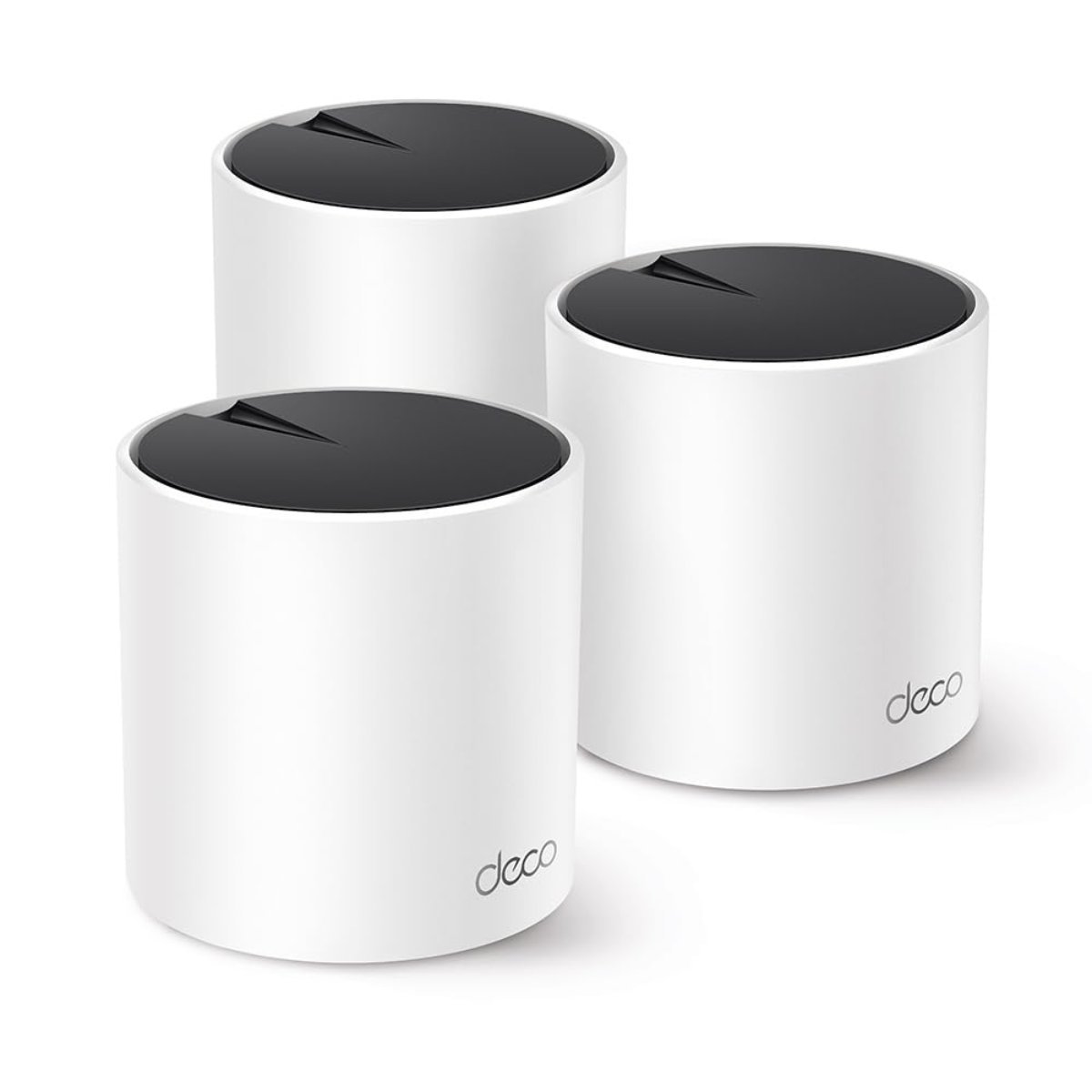
Three units is what separates this from the two-packs further down, and on a double-storey house or a long single-level plan that third node is usually the difference between full coverage and a dead corner. Each unit runs AX3000 dual-band Wi-Fi 6.
Four streams carry the load, split 2×2 at 2,402 Mbps on the 5 GHz band using 160 MHz channels and 2×2 at 574 Mbps on 2.4 GHz. That headroom is what keeps lag down when a household is streaming, gaming and video calling at once.
Three nodes cost more than two and each still needs a power point, so placement matters as much as the specification. With nearly 300 buyer reviews behind it, it is the best-supported large-home option here.
Pros
- Three units cover large or double-storey homes
- AX3000 dual-band Wi-Fi 6 on every node
- 160 MHz channels for 2,402 Mbps on 5 GHz
- Nearly 300 buyer reviews
- Single network name across all nodes
Cons
- Costs more than a two-pack
- Each node needs its own power point
- Dual-band rather than tri-band, so nodes share backhaul
Key specs: AX3000 dual-band Wi-Fi 6 mesh, three units, 4 streams, 2402 Mbps on 5 GHz with 160 MHz channels plus 574 Mbps on 2.4 GHz
CHECK ON AMAZON2. ASUS ZenWiFi XD5 2-Pack – Best Rated Mesh
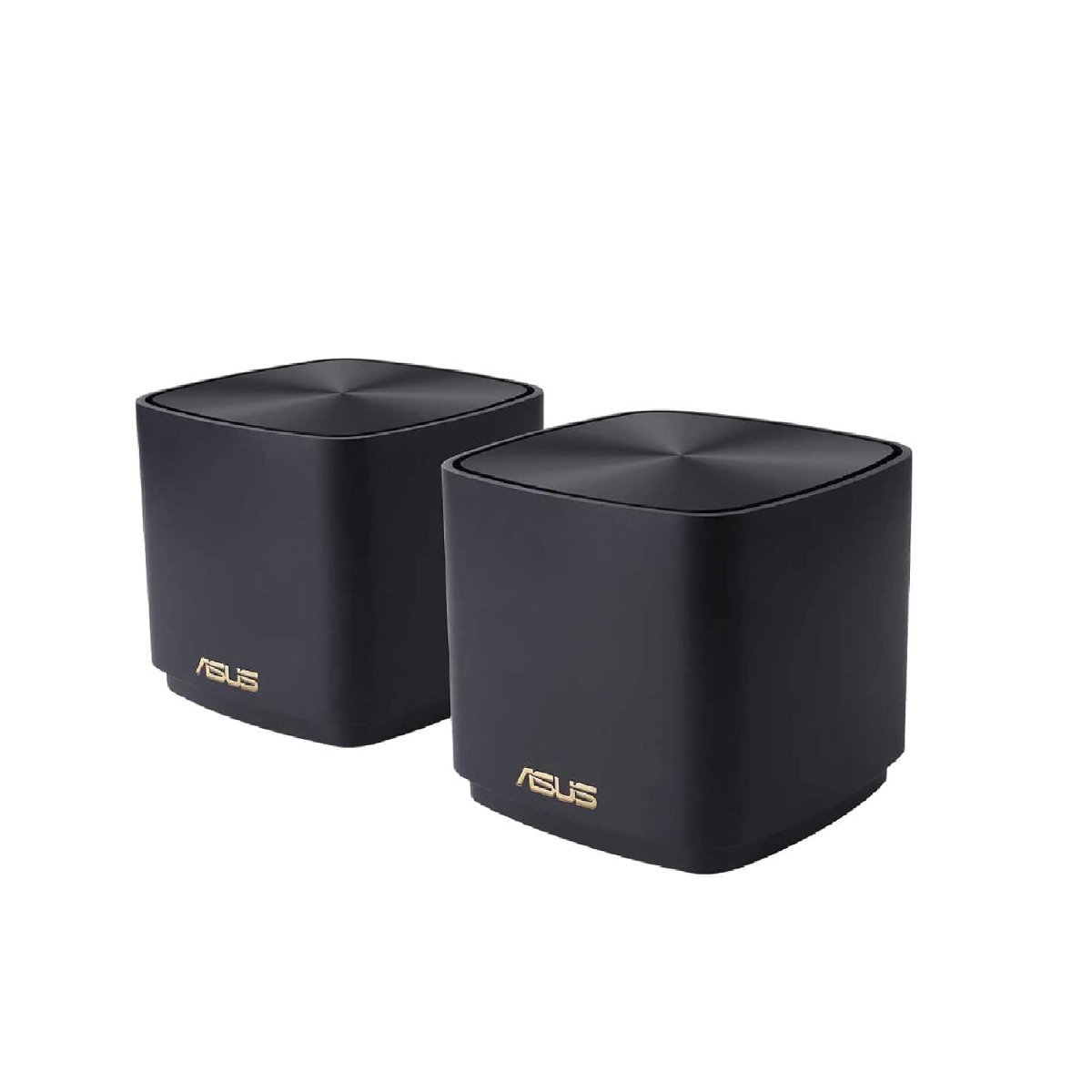
ASUS carries the highest customer rating in this guide, and the reason is usually the software rather than the radios. The ASUS Router App handles a three-step setup and then exposes far more control than most mesh systems allow.
The hardware is AX3000 running on 160 MHz Wi-Fi 6 channels, the same class as the Deco X55 above but in a two-unit pack aimed at ordinary-sized homes. Coverage is quoted per pair rather than per node.
Two units will not stretch across a large double-storey home the way three will, and the review count is small so far. For anyone who wants to set QoS rules, guest networks and parental controls properly rather than accept defaults, this is the pick.
Pros
- Highest customer rating of the mesh systems here
- ASUS Router App gives genuine network control
- 160 MHz Wi-Fi 6 channels
- Three-step guided setup
- AiMesh compatible with other ASUS units
Cons
- Two units only, so large homes may need a third
- Small review base at the time of writing
- More settings than most buyers will use
Key specs: AX3000 Wi-Fi 6 mesh router, two-pack, 160 MHz channel width, ASUS Router App management, three-step setup
CHECK ON AMAZON3. TP-Link Deco X20 2-Pack – Best Value Mesh
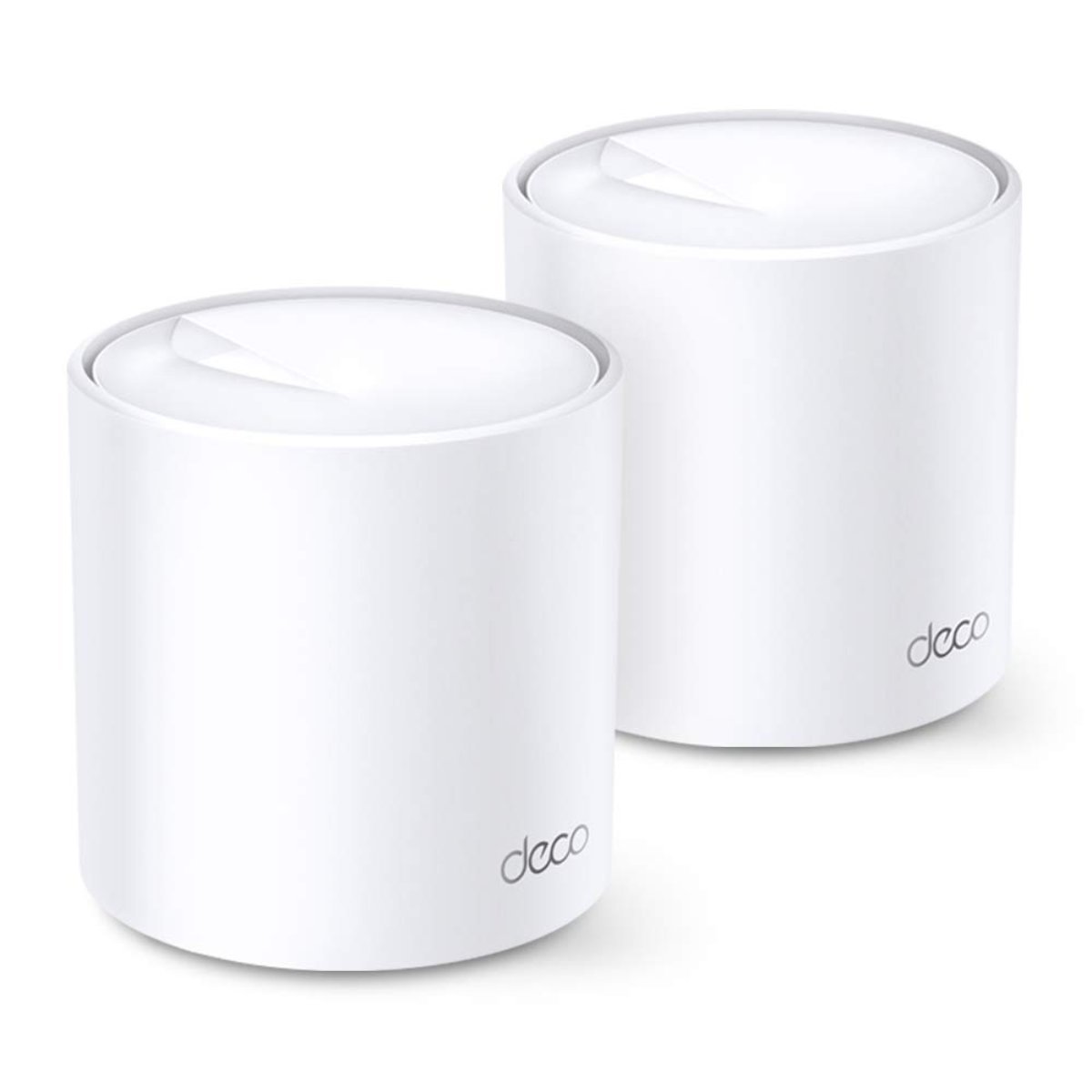
More than 2,700 buyers have reviewed this mesh pack, by far the deepest feedback in this guide, and it has become the default recommendation for ordinary Australian homes for good reason. Speeds run to 1,800 Mbps across both bands.
That splits as 1,201 Mbps on 5 GHz and 574 Mbps on 2.4 GHz, which comfortably exceeds what any current NBN plan delivers. OFDMA and MU-MIMO quadruple the number of devices it can talk to at once, and WPA3 handles security.
AX1800 is a step below the AX3000 units above, so a household moving very large files between devices locally will notice the ceiling. For internet use over an NBN connection, that ceiling is nowhere near being reached.
Pros
- More than 2,700 buyer reviews
- Speeds well ahead of any current NBN plan
- OFDMA and MU-MIMO for many simultaneous devices
- WPA3 security
- Usually the cheapest credible mesh pack
Cons
- AX1800 caps local file transfer speeds
- Two units only
- Dual-band, so nodes share backhaul with clients
Key specs: AX1800 dual-band Wi-Fi 6 mesh, two-pack, 1201 Mbps on 5 GHz plus 574 Mbps on 2.4 GHz, OFDMA, MU-MIMO, WPA3
CHECK ON AMAZON4. Tenda BE5100 WiFi 7 Mesh System – Best Wi-Fi 7
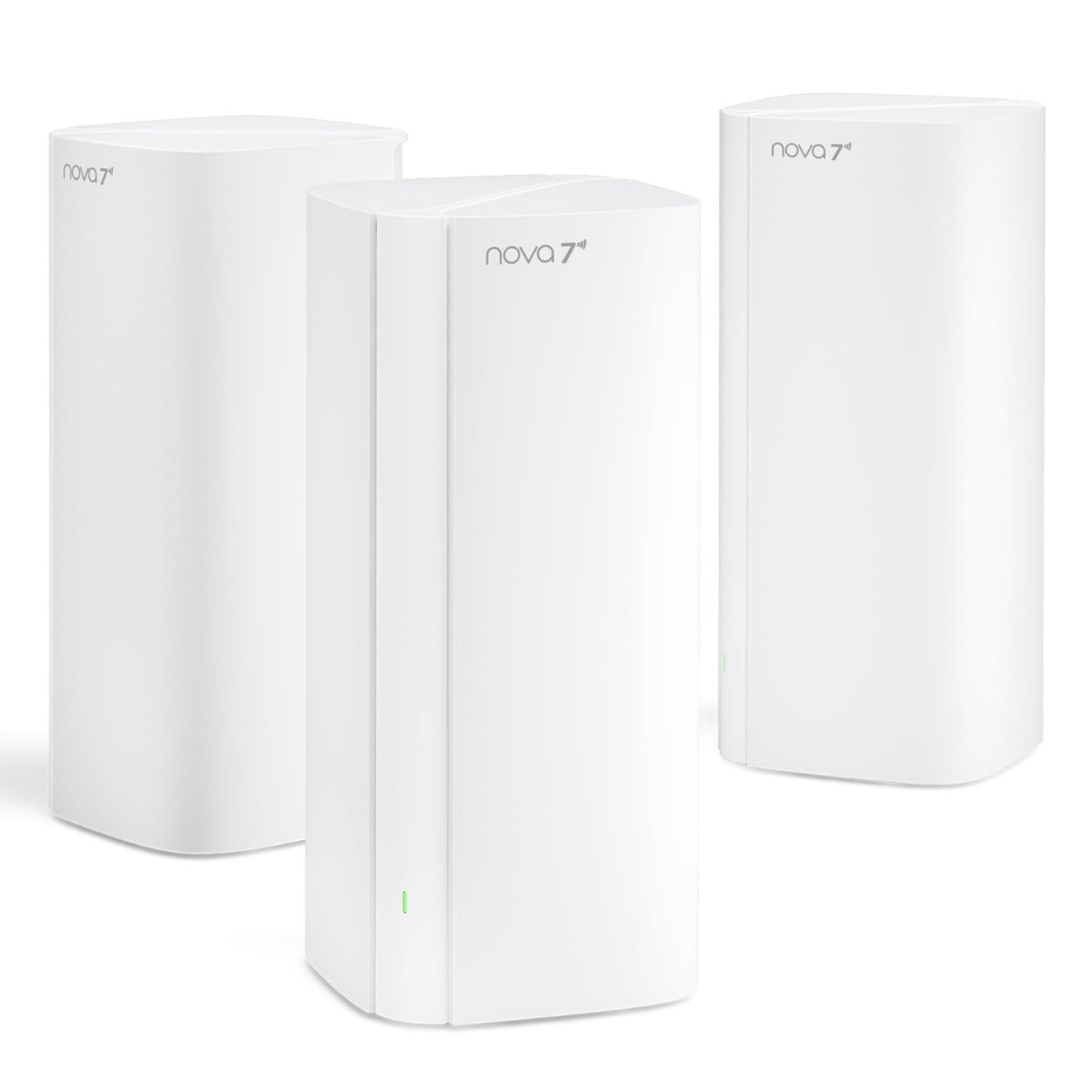
Wi-Fi 7 is the current standard and this is the only system here that runs it, which matters for a device meant to stay in service for five or more years rather than for anything you own today.
Coverage is quoted at up to 6,600 square feet (about 613 square metres) across the multi-unit system, the largest claimed area in this guide. Multi-gigabit ports back it up, so the wired side is not the bottleneck.
Almost nothing in a typical Australian home has a Wi-Fi 7 radio yet, and no NBN plan comes close to saturating it, so the immediate benefit is limited. It is bought for the years ahead rather than for this week.
Pros
- Wi-Fi 7, the newest standard here
- Coverage quoted to 6,600 sq ft across the system
- Multi-gigabit ports
- Backwards compatible with older devices
- More than 100 buyer reviews
Cons
- Few current devices can use Wi-Fi 7
- No NBN plan comes close to saturating it
- Costs more than faster-than-necessary Wi-Fi 6 systems
Key specs: BE5100 dual-band Wi-Fi 7 whole-home mesh, multi-gigabit ports, coverage quoted to 6,600 sq ft (about 613 sq m)
CHECK ON AMAZON5. D-Link Aquila PRO AI AX6000 M60 3-Pack – Best High-Throughput Mesh
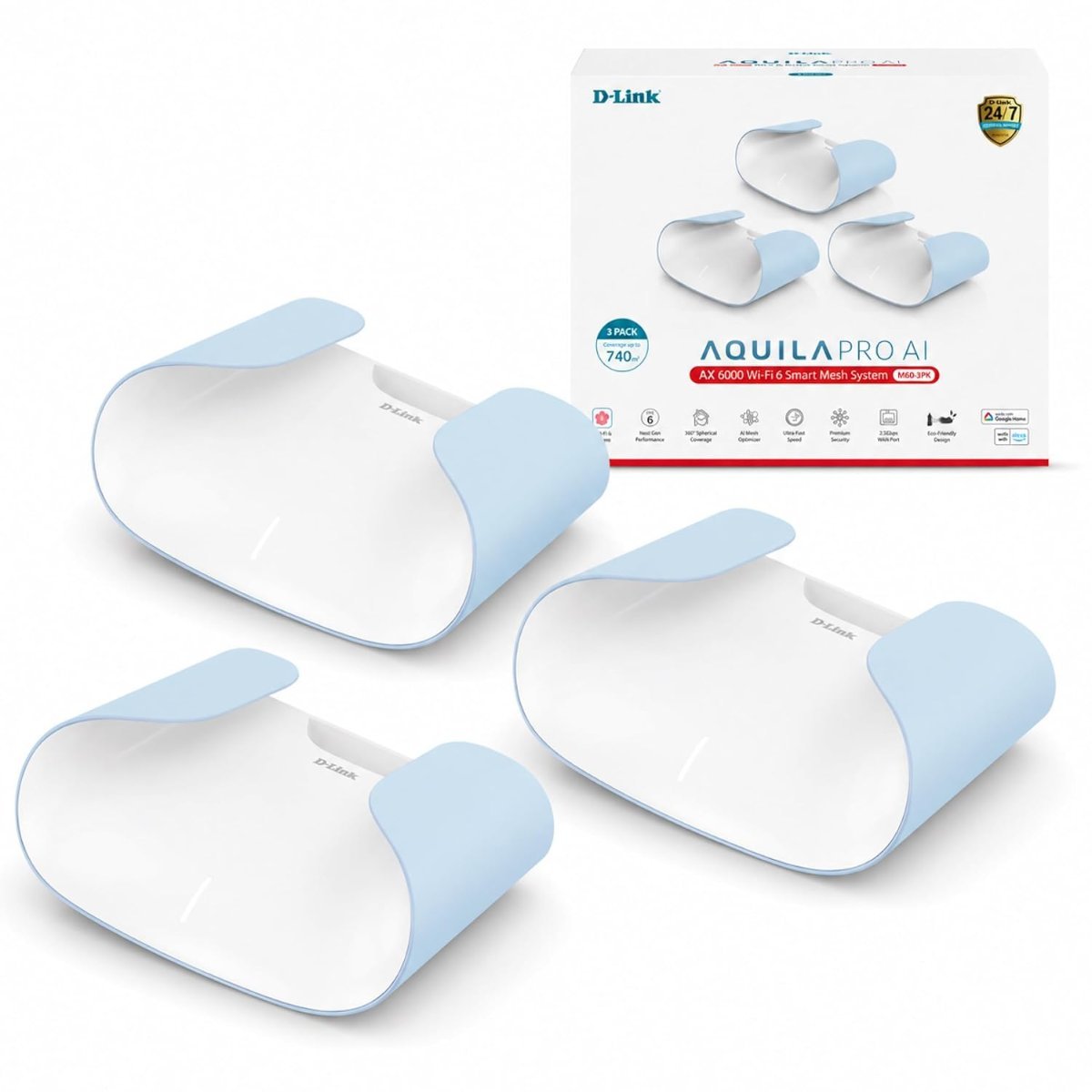
Six gigabits per unit is the highest raw figure in this guide, and D-Link adds an extra antenna to reach it. Three units come in the pack, so it competes directly with the Deco X55 on coverage as well as speed.
The system claims full 360-degree spherical coverage per node rather than a directional pattern, which in practice means placement is more forgiving. AI-based management handles band steering and node handover.
A rating below four stars is the lowest of the mesh systems here, and the review count is small, so the software has not settled the way TP-Link and ASUS have. For anyone moving large files across their own network, the throughput is unmatched at this price.
Pros
- AX6000 with up to 6 Gbps per unit
- Three units included
- Extra antenna for stronger coverage
- 360-degree coverage pattern is forgiving on placement
- AI-managed band steering and handover
Cons
- Lowest customer rating of the mesh systems here
- Small review base
- Far more throughput than any NBN plan needs
Key specs: AX6000 Wi-Fi 6 mesh system, three units, up to 6 Gbps per unit, additional antenna, 360-degree coverage, AI network management
CHECK ON AMAZON6. TP-Link Archer AX1800 – Best Single Router
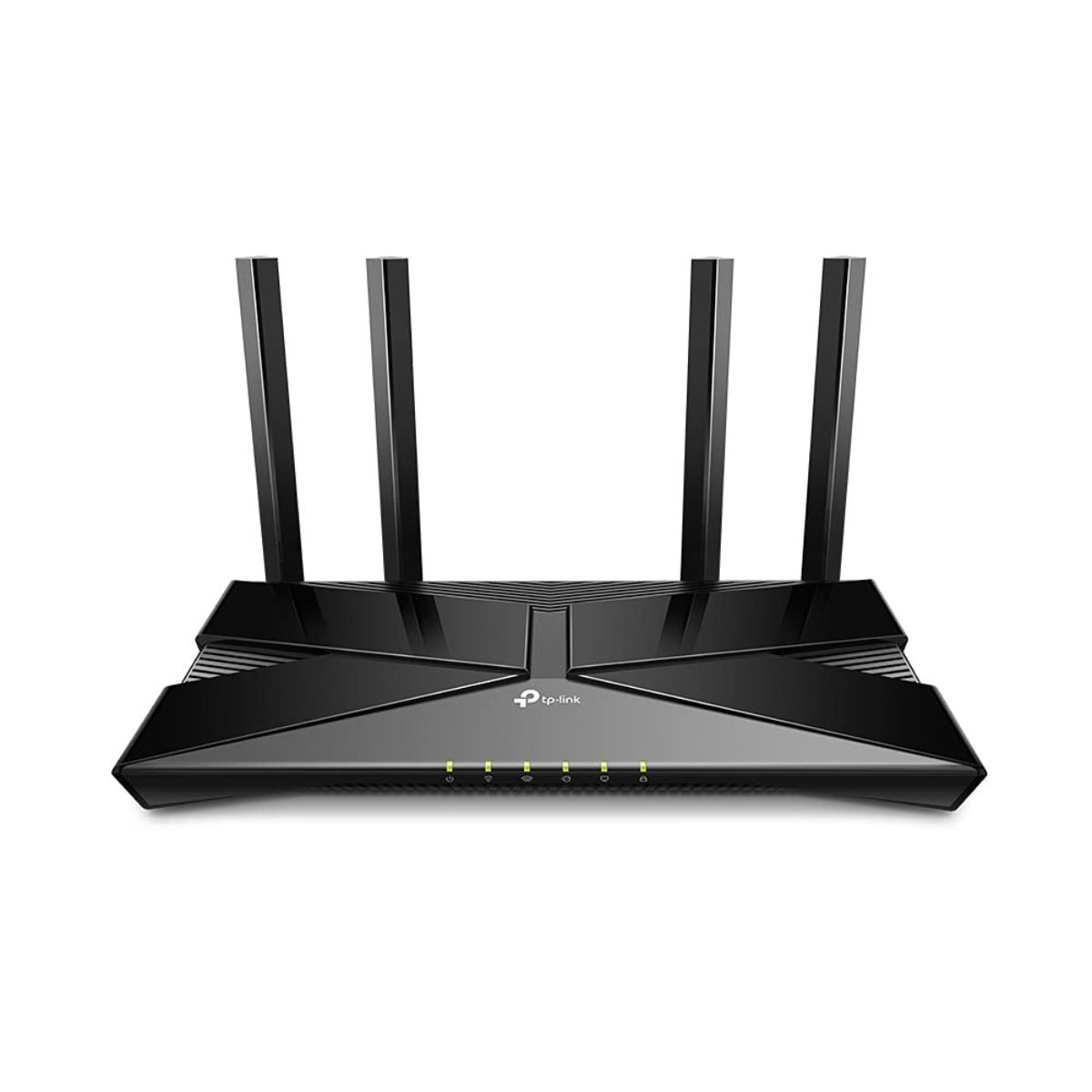
A single router is the right answer for an apartment or a small home, where a mesh system spends money solving a coverage problem that does not exist. This one delivers 1.8 Gbps of Wi-Fi 6 from one unit.
OFDMA lets it communicate with many devices at once while reducing latency, which is what keeps a household of phones, laptops and smart devices responsive. Setup runs through the TP-Link app rather than a browser interface.
One unit means one coverage area, so a double-brick wall or a long hallway will still create a dead spot. Within a single-level apartment it does everything a mesh pack would, for a fraction of the price.
Pros
- Costs far less than any mesh pack here
- 1.8 Gbps Wi-Fi 6 from a single unit
- OFDMA reduces latency with many devices
- App-based setup
- Ample for any current NBN plan
Cons
- Single unit cannot cover a large or multi-storey home
- No mesh expansion within the same range
- Fewer advanced controls than the ASUS
Key specs: Archer AX1800 dual-band Wi-Fi 6 router, 1.8 Gbps combined, OFDMA, app-based setup
CHECK ON AMAZON7. Tenda AX3000 Wi-Fi 6 Router – Best Budget Router
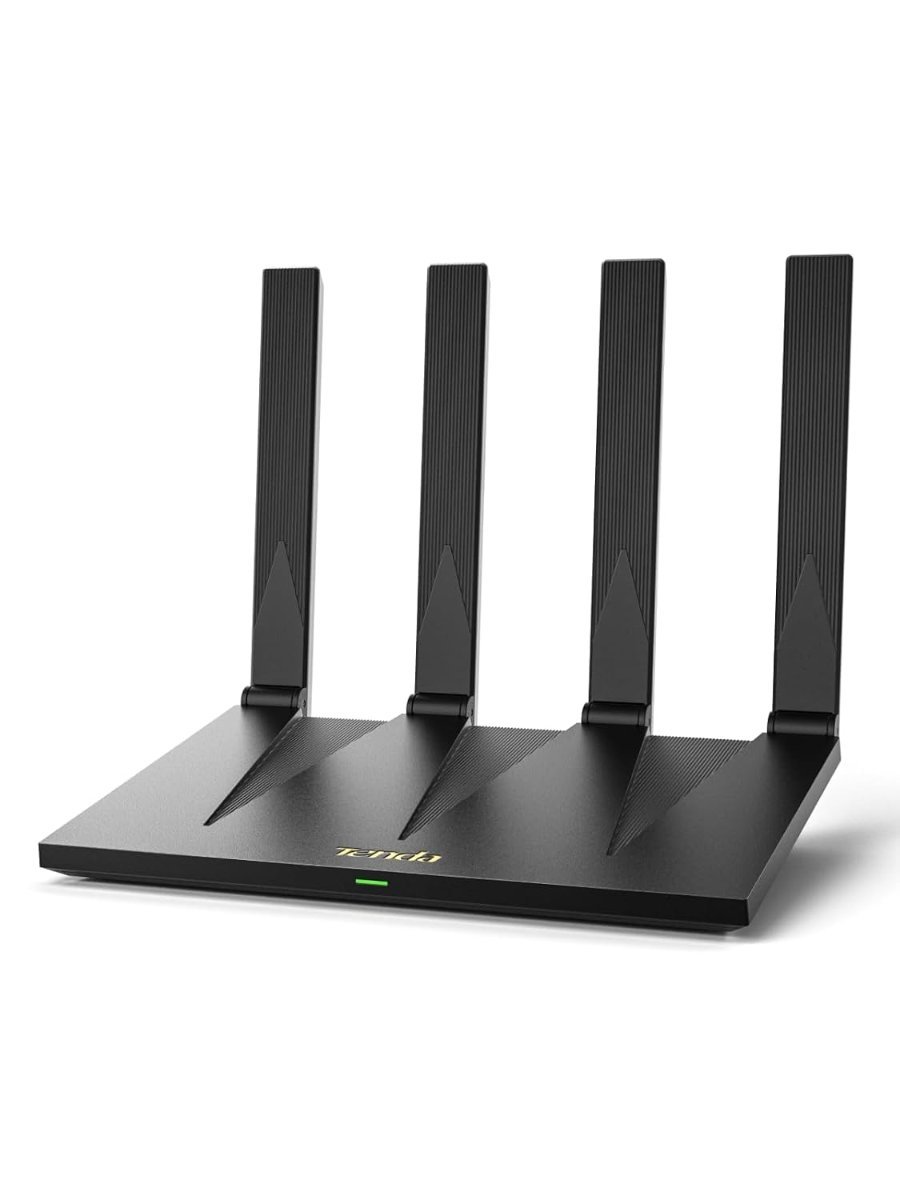
This is the cheapest way onto Wi-Fi 6 in the guide while still getting AX3000 rather than the entry-level AX1500 class. Gigabit ports handle the wired side, which matters for a desktop or a games console.
Dual-band operation and Wi-Fi 6 give it the same efficiency advantages as routers costing several times more: more devices served at once, and less airtime wasted on each. Wall penetration is the marketing claim; a single unit still has limits.
Tenda is a less familiar brand in Australia than TP-Link, ASUS or D-Link, and support reflects that. As a straight replacement for an ageing carrier-supplied router, it is the least expensive credible option here.
Pros
- Cheapest Wi-Fi 6 router in this guide
- AX3000 rather than entry-level AX1500
- Gigabit wired ports
- Dual-band Wi-Fi 6 efficiency
- Simple replacement for a carrier-supplied router
Cons
- Less established brand support in Australia
- Single unit, so coverage is limited
- Marketing claims outrun what one router can do
Key specs: AX3000 dual-band gigabit Wi-Fi 6 router, gigabit wired ports, dual-band operation
CHECK ON AMAZON8. TP-Link Deco X1500 2-Pack – Best Entry Mesh
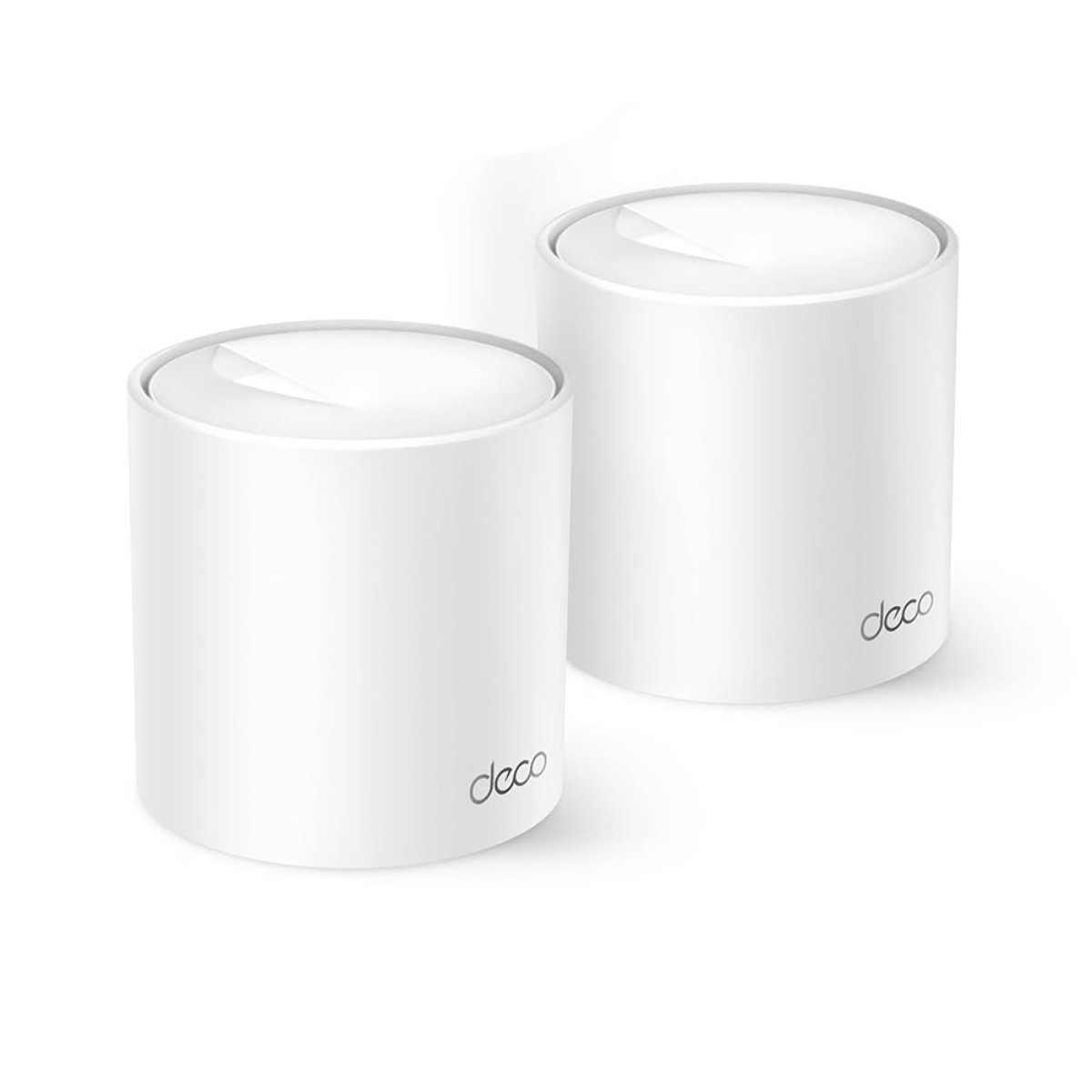
AX1500 is the entry tier of Wi-Fi 6 mesh, and this two-pack is aimed squarely at households replacing a single carrier-supplied router for the first time. More than 900 buyers have reviewed it.
The system unifies the home under one network name and password, so devices hand between nodes without dropping or asking to reconnect. That single behaviour is the main reason people move from a router plus an extender to a mesh.
It is slower than every other mesh system here, which matters for local file transfers and not at all for internet use. As the cheapest genuine mesh pack in the guide, it is the sensible first step rather than the last.
Pros
- Cheapest genuine mesh pack here
- More than 900 buyer reviews
- Single network name and password across nodes
- Seamless handover between units
- Simple app-guided setup
Cons
- AX1500 is the slowest system in this guide
- Two units only
- Limited advanced configuration
Key specs: AX1500 dual-band Wi-Fi 6 mesh, two-pack, unified network name and password, seamless node handover
CHECK ON AMAZON9. D-Link DWR-933M 4G+ LTE Mobile Hotspot – Best Mobile Backup
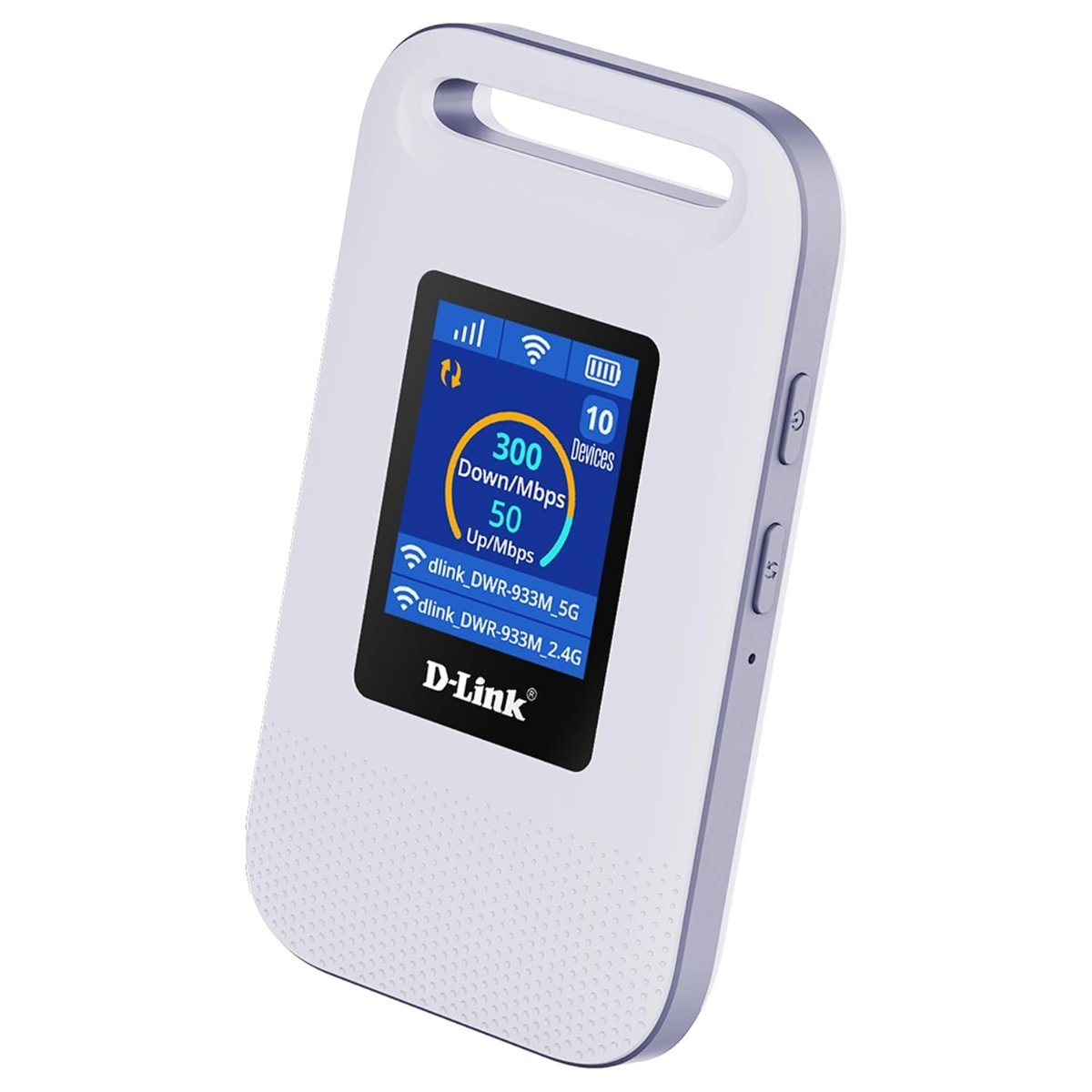
This is not a home router but a battery-powered hotspot, and it fills the gap the others cannot: internet where there is no fixed line, or when the NBN connection drops. A 3,000 mAh battery runs it away from power.
Cat 6 LTE-A gives it aggregated 4G speeds, and it serves connected devices over Wi-Fi 6 rather than the older standards most travel hotspots still use. A SIM from any carrier goes in the side.
It depends entirely on mobile coverage and a data plan, so it is a complement to a fixed connection rather than a replacement for one. For a caravan, a building site or a household that cannot afford an outage, it earns its place.
Pros
- Works anywhere with mobile coverage
- 3,000 mAh battery for use away from power
- Cat 6 LTE-A aggregated 4G speeds
- Serves devices over Wi-Fi 6
- Takes a SIM from any carrier
Cons
- Needs a mobile data plan on top of the hardware
- Speed depends entirely on local mobile coverage
- Not a replacement for a fixed NBN connection
Key specs: 4G+ LTE Cat 6 LTE-A mobile hotspot, Wi-Fi 6, 3000mAh battery, SIM slot, portable
CHECK ON AMAZONHow to Choose a WiFi Router
Buy for coverage, not for speed. An AX1800 router already moves 1,800 Mbps while an NBN 100 plan delivers 100, so the wireless side is not the bottleneck and a faster router will not make web pages load quicker. What does help is getting a strong signal into the rooms where devices are actually used.
Count the walls, then decide between a router and a mesh. A single router suits an apartment or a compact single-level home. Double brick, a second storey or a long floor plan defeats one unit no matter how it is specified, and that is the problem a mesh system exists to solve.
Check whether you still need the provider’s modem. Most NBN connection types deliver an ethernet handoff from an NBN box, so a router with a WAN port is all that is required. Fibre to the node and fibre to the building connections still need a VDSL modem, so check the connection type before replacing the supplied hardware.
Do not pay for Wi-Fi 7 unless you plan to keep it for years. Almost nothing in a typical home has a Wi-Fi 7 radio yet, and no Australian internet plan comes close to saturating Wi-Fi 6. It is a reasonable purchase for a device expected to last five years and a waste for one being replaced in two.
Look at node count rather than claimed square metres. Coverage figures assume open space with no walls, which describes almost no Australian home. Three nodes reliably beat two in a double-storey house, and placement matters as much as the number, since each node needs a power point and a clear path back to the main unit.
Consider a backup path if an outage would be costly. A battery-powered 4G hotspot keeps a household or a home office online when the fixed connection drops, and it works in a caravan or on a site where no line exists. It needs its own data plan, so it is a deliberate second connection rather than a free fallback. Coverage also matters for connected devices like home security cameras, which sit at the edge of most networks.
If you’d rather have one box than two, a modem router combines the modem and the Wi-Fi in a single unit.
A power board turns one wall socket into several, which comes in handy behind the router and TV.
Frequently Asked Questions
Do I need to replace the router my internet provider gave me?
Not always, but supplied routers are usually the cheapest hardware the provider could ship, and their coverage shows it. If the signal is fine everywhere you use it, there is nothing to fix. If rooms drop out, replacing the router or adding a mesh system solves it.
Will a faster router make my internet faster?
No. Your speed is capped by the NBN plan you pay for, and even an entry AX1500 router moves far more data than any residential plan delivers. A better router improves coverage, stability and how many devices can be served at once.
Do I still need a modem with a new router?
It depends on your NBN connection type. Fibre to the premises, HFC and fibre to the curb hand off ethernet from an NBN box, so a router alone is enough. Fibre to the node and fibre to the building still need a VDSL modem built into the router.
Is a mesh system better than a router and an extender?
Generally yes. An extender creates a second network you have to switch to manually and halves throughput. A mesh system keeps one network name across every node and hands devices between them automatically as you move around.
How many mesh nodes do I need?
Two units cover most single-level homes and apartments. Three suits double-storey houses, long floor plans or homes with double brick internal walls. Adding nodes past that helps less than placing the existing ones well.
Is Wi-Fi 7 worth buying now?
Only if the router needs to last several years. Very few devices have Wi-Fi 7 radios today and no Australian internet plan can saturate Wi-Fi 6, so the benefit sits in the future rather than the present.
Verdict
For most Australian homes the TP-Link Deco X20 2-Pack is the sensible buy, backed by more than 2,700 reviews and delivering speeds well beyond any NBN plan. A double-storey house or a long floor plan is better served by the three units of the TP-Link Deco X55, while an apartment needs nothing more than the single TP-Link Archer AX1800.