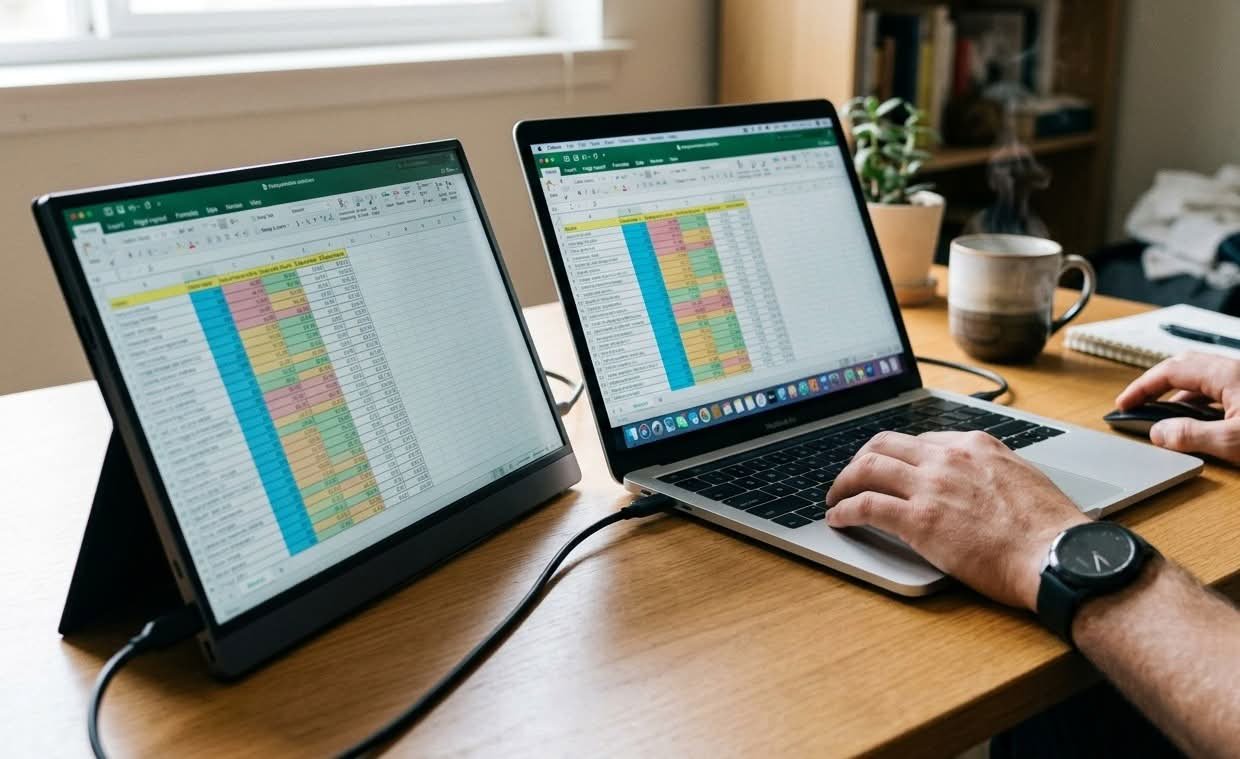
A portable monitor is a slim, battery-independent secondary screen that connects to a laptop, phone or games console with a single USB-C or HDMI cable and draws its power straight from the host device. It adds a second display for spreadsheets, video calls or split-screen gaming without a power brick, a driver install or a permanent desk setup, and it packs into a laptop bag for travel. This guide compares the best portable monitors Australia has to offer, from panels built for accurate colour to screens built to survive a fold-down tray table.
Retailers group portable monitors into a handful of distinct types: standard 1080p panels cover email, spreadsheets and video calls at the lowest weight and cost. 2.5K and 4K panels suit photo editing and video work, while OLED touchscreens add richer colour and finger input for sketching or photo culling. High refresh rate gaming panels cut input lag for a console or handheld PC away from home, and ultra-compact travel monitors trade screen size for a footprint that fits a backpack’s laptop sleeve.
The most common panel size sold in this category is 15.6 inches (39.6cm) measured diagonally, close to the size of a standard laptop lid, which keeps the whole setup balanced in a bag. Beyond size, the specs that separate a genuinely useful portable monitor from a disappointing one are resolution, peak brightness, weight and the number of USB-C ports that carry a video signal rather than just charging power. A screen under one kilogram with two full-function USB-C inputs covers most laptop and console pairings without hunting for the right cable.
This guide compares ten portable monitors available in Australia against those criteria, covering panels built for everyday productivity, colour-critical editing work and gaming on the move. Anyone assembling a full mobile desk setup around one of these screens may also want our guide to the best standing desks, which covers the surfaces these panels end up sitting on.
Quick Picks
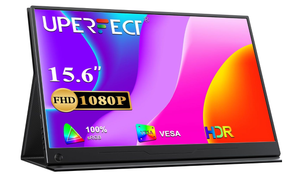
UPERFECT 4K Portable Monitor
A 17.3-inch 4K panel with 100% AdobeRGB coverage for photo and video work away from the desk.
CHECK ON AMAZON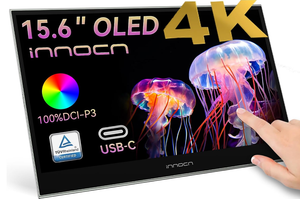
ARZOPA 2.5K Portable Monitor
A 16-inch 2560×1600 screen with a built-in kickstand for spreadsheet and document work.
CHECK ON AMAZON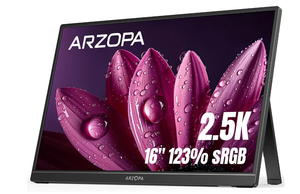
ARZOPA 15.6-Inch Portable Monitor
A 15.6-inch 1080p panel with a foldable stand for anyone trying a second screen for the first time.
CHECK ON AMAZONBest Portable Monitors Australia Compared
| Product | Link | Type | Best For | Key Spec |
|---|---|---|---|---|
| UPERFECT 4K Portable Monitor | Check price | 4K IPS | Photo and video editing | 3840×2160, 100% AdobeRGB |
| INNOCN OLED Touchscreen Portable Monitor | Check price | OLED touchscreen | Colour-accurate creative work | 100% DCI-P3, 10-point touch |
| ARZOPA 2.5K Portable Monitor | Check price | 2.5K IPS | Sharper everyday text | 2560×1600, 500 nits |
| ARZOPA 144Hz Portable Gaming Monitor | Check price | 1080p IPS, 144Hz | Console and handheld gaming | 144Hz refresh, 100% sRGB |
| UPERFECT 17.3-Inch Portable Monitor | Check price | 1080p IPS | Extra screen real estate | 17.3-inch, USB-C and mini HDMI |
| INNOCN 13.3-Inch OLED Portable Monitor | Check price | OLED | Travel-friendly editing | 100% DCI-P3, 1ms response |
| ARZOPA 17.3-Inch Portable Monitor | Check price | 1080p IPS | Video calls on the move | Dual speakers, table stand |
| MagicRaven 4K Portable Monitor | Check price | 4K IPS | Budget-conscious 4K | 3840×2160, built-in speakers |
| ARZOPA 15.6-Inch Portable Monitor | Check price | 1080p IPS | First portable monitor | 15.6-inch, foldable stand |
| EVICIV Touchscreen Portable Monitor | Check price | Touchscreen IPS | Compact secondary display | 1920×1280, 100% sRGB |
1. UPERFECT 4K Portable Monitor – Best for Colour-Critical Editing
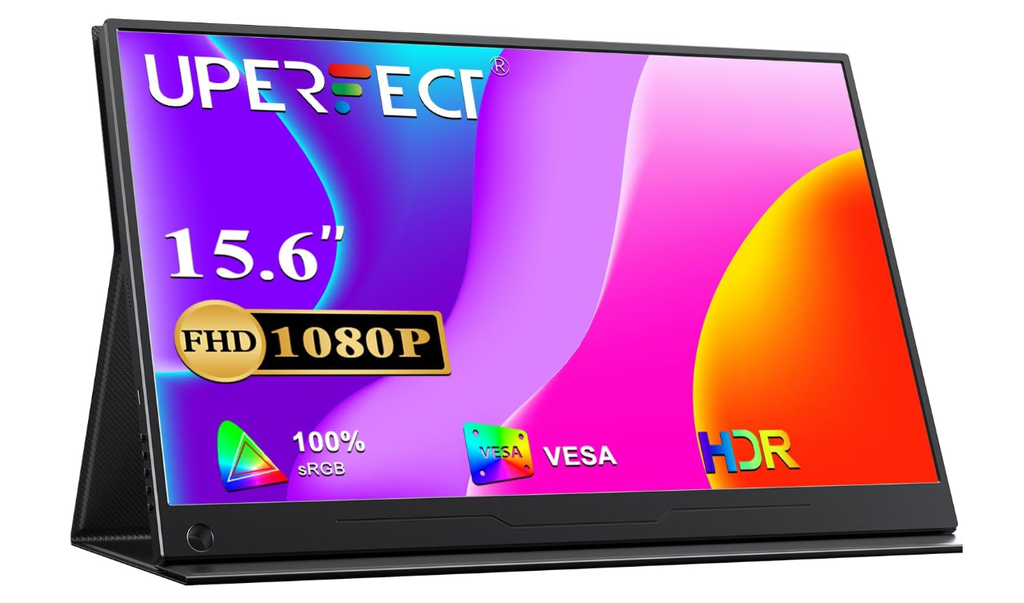
The screen itself is a 17.3-inch IPS panel bonded to a metal-backed shell with an integrated bracket that folds out into a stand, so there is no separate case to lose. At 3840×2160 the pixel density is high enough that fine text and layered graphics stay crisp at close range. The larger chassis is the trade-off for that resolution, and it sits closer to a slim external monitor than a slip-in-a-sleeve accessory.
Colour output is rated at 100% AdobeRGB with 500 nits of brightness, both well above what a general-use panel needs. In practice that means a colour grade or a print-bound photo edit checked on this screen holds up when it moves to a calibrated desktop monitor later, and the extra brightness keeps the panel readable next to a north-facing window in a Brisbane apartment. Two full-function Type-C ports plus mini HDMI cover most laptop and camera pairings without an adapter.
None of that comes free: this is the heaviest and largest screen in the lineup, so it earns its place in a bag rather than a jacket pocket. It suits photographers and video editors who need to trust colour and detail on location, more than someone who just wants a second window for email.
Pros
- 100% AdobeRGB coverage suits professional photo and video work
- 3840×2160 resolution keeps text and fine detail sharp
- Integrated bracket removes the need for a separate stand
Cons
- Heavier and larger than the 1080p panels in this guide
- 4K rendering can tax an older laptop’s graphics output
Key specs: 17.3-inch IPS, 3840×2160, 100% AdobeRGB, 500 nits, dual USB-C plus mini HDMI, integrated bracket stand.
CHECK ON AMAZON2. INNOCN OLED Touchscreen Portable Monitor – Best OLED Display
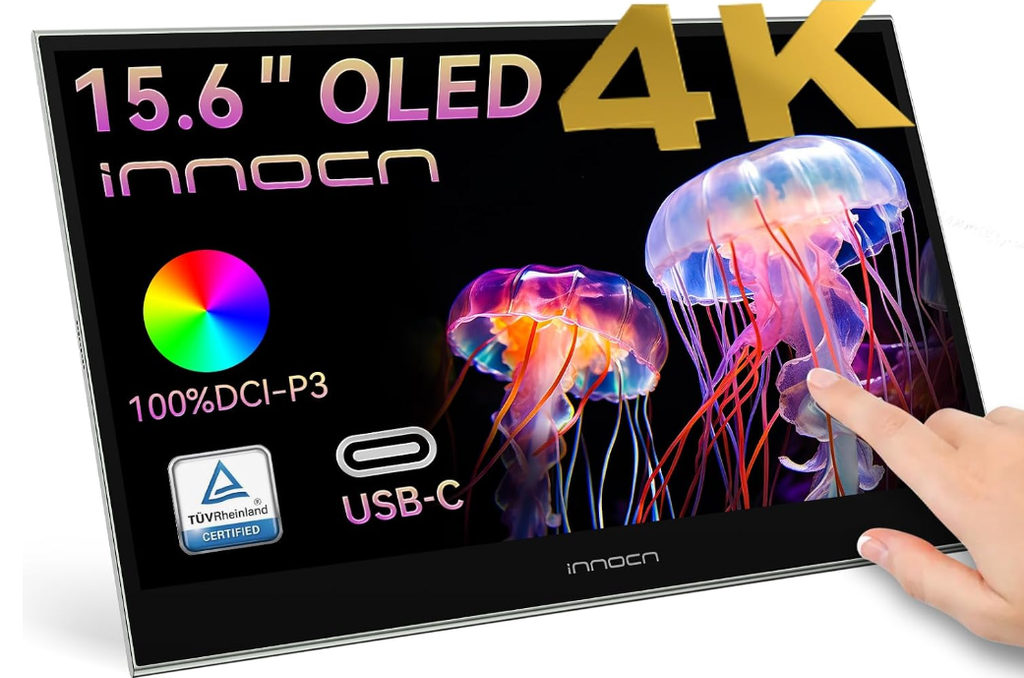
An OLED panel replaces the backlight in this 15.6-inch screen with self-lit pixels, so the bezel and the whole assembly stay thin despite adding a touch layer over the glass. The touch response works for tapping through a photo culling pass or signing a document without reaching for a mouse. Build quality feels closer to a premium tablet than a typical travel monitor.
Contrast is rated at 100000:1 with 100% DCI-P3 coverage and 10-bit colour, figures that beat every IPS panel in this guide on paper and are genuinely visible in dark scenes and shadow detail. That combination is what film and photo editors look for when reviewing footage away from a graded reference monitor.
OLED panels carry a long-term risk of image retention if a static toolbar or taskbar sits on screen for hours at a time, so this is not the pick for someone leaving a spreadsheet open all day. It works best for photographers and video editors reviewing colour-critical footage in short, focused sessions rather than as an always-on second desktop.
Pros
- 100000:1 contrast and 100% DCI-P3 colour coverage
- 10-point touchscreen for culling, sketching or annotating
- Slim OLED build stays light for its screen size
Cons
- OLED risks image retention under long static-image use
- Costs more to run than a comparable IPS panel
Key specs: 15.6-inch OLED, 100% DCI-P3, 100000:1 contrast, 10-bit colour, 10-point touch, USB-C.
CHECK ON AMAZON3. ARZOPA 2.5K Portable Monitor – Best for Sharp Text and Detail
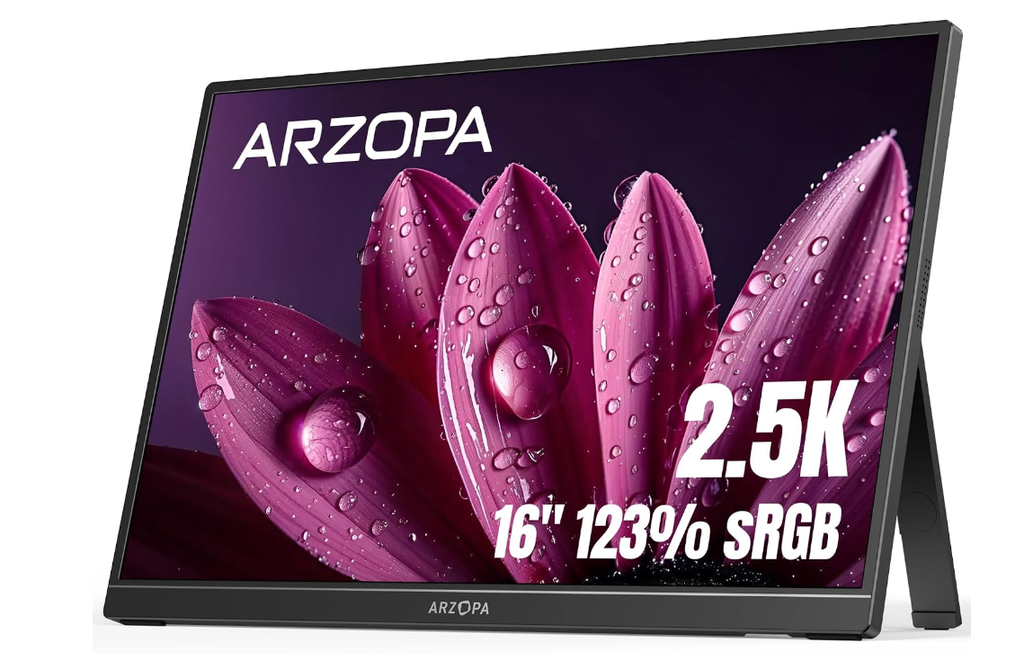
At 2560×1600 across a 16-inch, 16:10 panel, this screen has noticeably more vertical space than a standard 16:9 display, which matters more than people expect when a page of a document or a tall spreadsheet is on screen. A built-in kickstand folds flat against the back for transport and pops out to two viewing angles.
Brightness peaks at 500 nits, enough to stay legible under office lighting or a bright kitchen table, and the 8-bit panel renders enough colour depth that gradients and photos do not band. Text rendering is the standout: at this pixel density, small fonts stay readable without the slight softness that shows up on 1080p panels at the same size.
There is no touch layer and no high refresh rate here, so it is not built for gaming or sketching. It suits spreadsheet-heavy and document-heavy work where legible text matters more than colour grading or frame rate.
Pros
- 2560×1600 resolution keeps small text sharp
- 16:10 aspect ratio adds useful vertical space
- Built-in kickstand needs no separate case
Cons
- No touchscreen option
- Standard 60Hz refresh limits its use for fast-paced gaming
Key specs: 16-inch IPS, 2560×1600, 16:10, 500 nits, 8-bit colour, USB-C and HDMI.
CHECK ON AMAZON4. ARZOPA 144Hz Portable Gaming Monitor – Best for Gaming
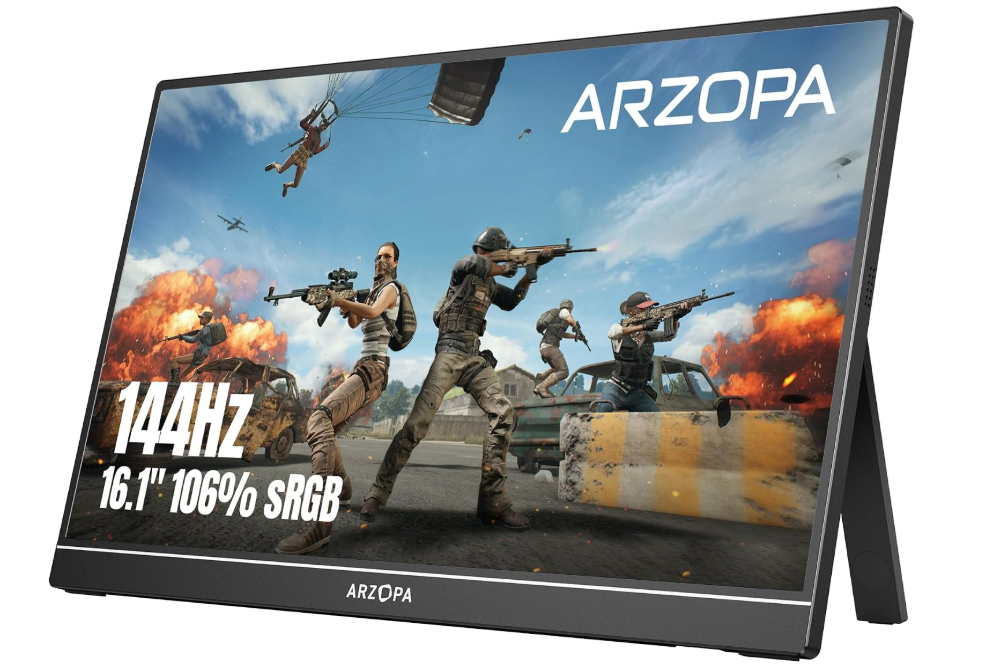
This panel is built around refresh rate rather than pixel count, running a 16.1-inch 1080p screen at 144Hz. The chassis is slim with an integrated kickstand, closer in weight to the budget panels in this guide than to the 4K screens above it.
Paired with a games console or a gaming laptop, the higher refresh rate is noticeable in fast panning shots and competitive titles, where a 60Hz panel visibly lags behind. Colour coverage is rated at 100% sRGB, which is accurate enough for gaming and general use without chasing the wider gamuts the editing-focused panels target.
Set next to the 2.5K and 4K panels earlier in this guide, the 1080p resolution here looks softer on close inspection, and that is the deliberate trade. It suits gamers prioritising smoothness and refresh rate over pixel density, particularly anyone running a handheld PC or console away from a fixed TV.
Pros
- 144Hz refresh rate suits fast-paced gaming
- 100% sRGB colour coverage for accurate general use
- Slim build with an integrated kickstand
Cons
- 1080p resolution looks soft next to the 2.5K and 4K picks above
- No OLED or touchscreen option at this price point
Key specs: 16.1-inch IPS, 1920×1080, 144Hz, 100% sRGB, USB-C and HDMI, integrated kickstand.
CHECK ON AMAZON5. UPERFECT 17.3-Inch Portable Monitor – Best Large Screen
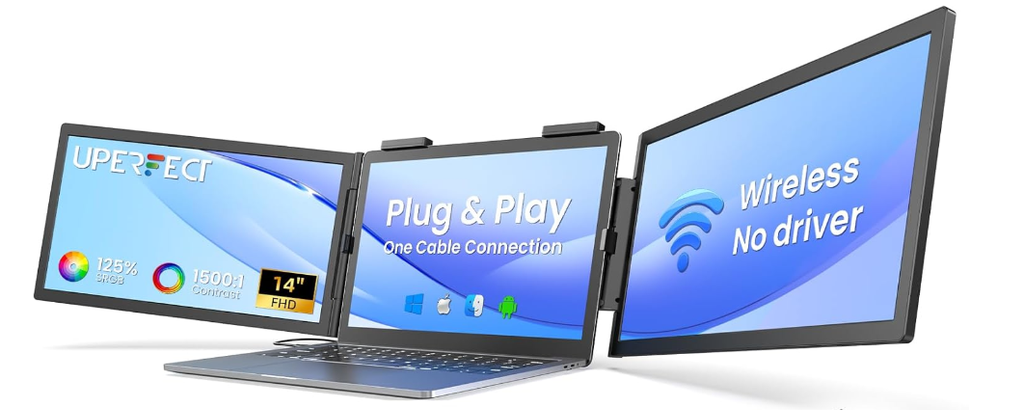
Stepping up to 17.3 inches gives this panel the largest surface area in the lineup, at a resolution of 1920×1080 rather than one of the higher-density options above. A built-in kickstand holds it upright at a fixed angle, and the frame is wide enough that two windows sit comfortably side by side.
Connectivity covers USB-C, mini HDMI and OTG, so it pairs with a laptop, a games console or, via OTG, a phone running a desktop-style interface. sRGB coverage is rated at 100%, keeping colours consistent for general browsing, documents and streaming rather than colour-critical work.
The larger screen does not fold down as small as the 15.6-inch panels in this guide, so it suits someone setting up a temporary desk in a hotel room or shared office more than a daily commuter squeezing a bag through a train carriage. Desk-bound remote workers get the most out of the extra space.
Pros
- Largest screen size in this guide at 17.3 inches
- USB-C, mini HDMI and OTG cover most devices
- Built-in kickstand needs no separate stand
Cons
- Larger footprint is harder to fit in a small bag
- 1080p resolution rather than 2.5K or 4K
Key specs: 17.3-inch IPS, 1920×1080, 100% sRGB, USB-C, mini HDMI, OTG, integrated kickstand.
CHECK ON AMAZON6. INNOCN 13.3-Inch OLED Portable Monitor – Best Compact OLED
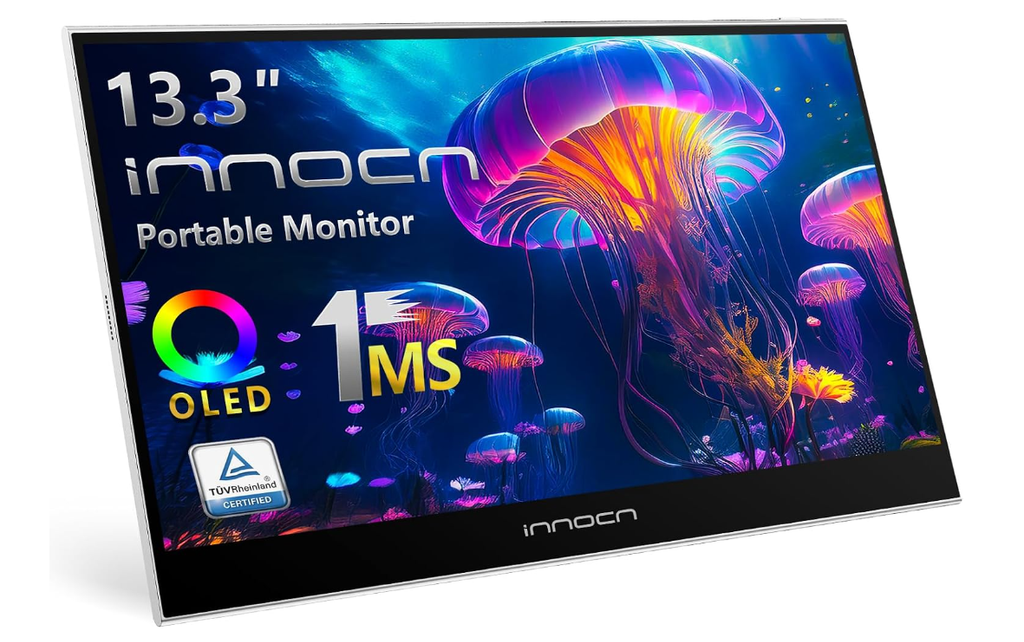
Where the OLED panel earlier in this guide goes wide at 15.6 inches, this one goes thin: a 13.3-inch screen at 0.28 inches deep and under 1.4 pounds, closer to a large tablet than a monitor once it is folded into its cover. The smaller footprint fits a laptop sleeve rather than needing its own compartment.
Response time is rated at 1ms with 100000:1 contrast and 100% DCI-P3 coverage, figures that carry over from the larger OLED panel despite the smaller size. Fast-moving footage and dark scenes both hold detail that a budget IPS panel would crush into a single black.
The smaller screen area is the limiting factor here: it does not offer enough space for two windows side by side the way the 17.3-inch panels above do. It suits reviewing photo or video colour grading on the move rather than replacing a full second desktop.
Pros
- Thinnest and lightest panel in this guide
- 100% DCI-P3 colour and 100000:1 contrast in a compact size
- 1ms response time suits fast-moving footage
Cons
- 13.3-inch screen limits side-by-side multitasking
- Same OLED image retention risk as the larger panel above
Key specs: 13.3-inch OLED, 1920×1080, 100% DCI-P3, 1ms response, 100000:1 contrast, USB-C.
CHECK ON AMAZON7. ARZOPA 17.3-Inch Portable Monitor – Best for Dual-Screen Travel Setups
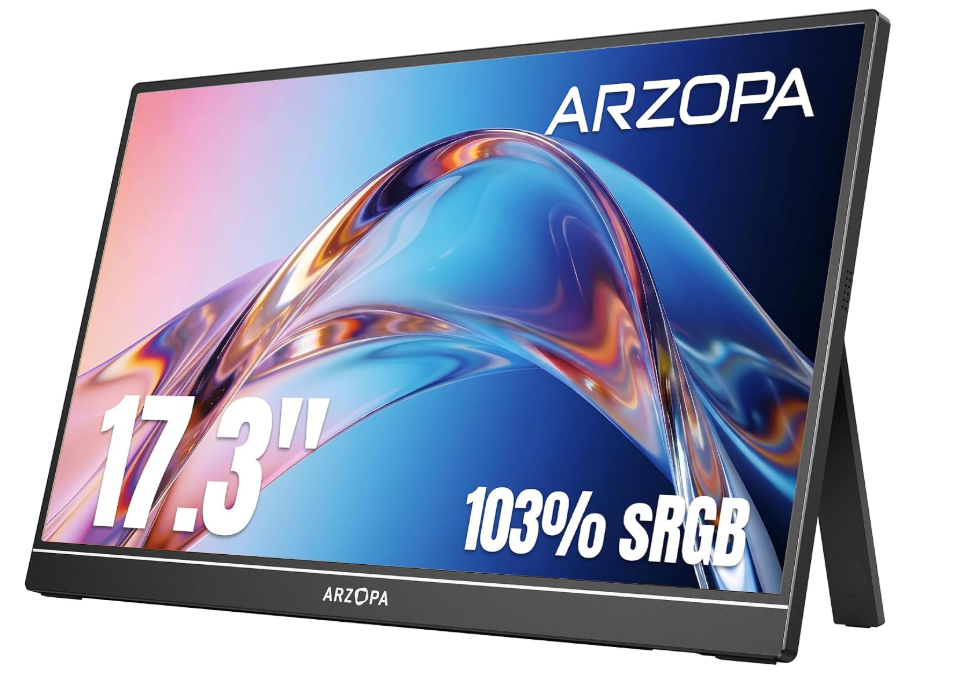
Dual front-facing speakers set this 17.3-inch panel apart from the other large screens in this guide, which mostly rely on a headphone jack or the host device’s own audio. A table stand rather than a folio cover holds it upright, trading pocketable convenience for a sturdier base on a desk.
The 1080p, 100% sRGB panel is tuned for general use rather than colour-critical work, and the built-in speakers mean a video call or a shared video does not need a separate speaker or headphones plugged in. That makes it a genuine second screen for a hotel room or a co-working desk rather than a lap-based accessory.
The table stand needs more desk depth than the kickstand-style panels earlier in this guide, so it is not the one to balance on a tray table. It suits pairing with a laptop as a dedicated home-office second screen more than daily commuting.
Pros
- Built-in dual speakers remove the need for headphones
- 17.3-inch screen suits side-by-side windows
- Table stand offers a sturdy, adjustable base
Cons
- Table stand needs more desk depth than a folio cover
- 1080p resolution rather than 2.5K or 4K
Key specs: 17.3-inch IPS, 1920×1080, 100% sRGB, dual speakers, USB-C and HDMI, table stand.
CHECK ON AMAZON8. MagicRaven 4K Portable Monitor – Best Value 4K
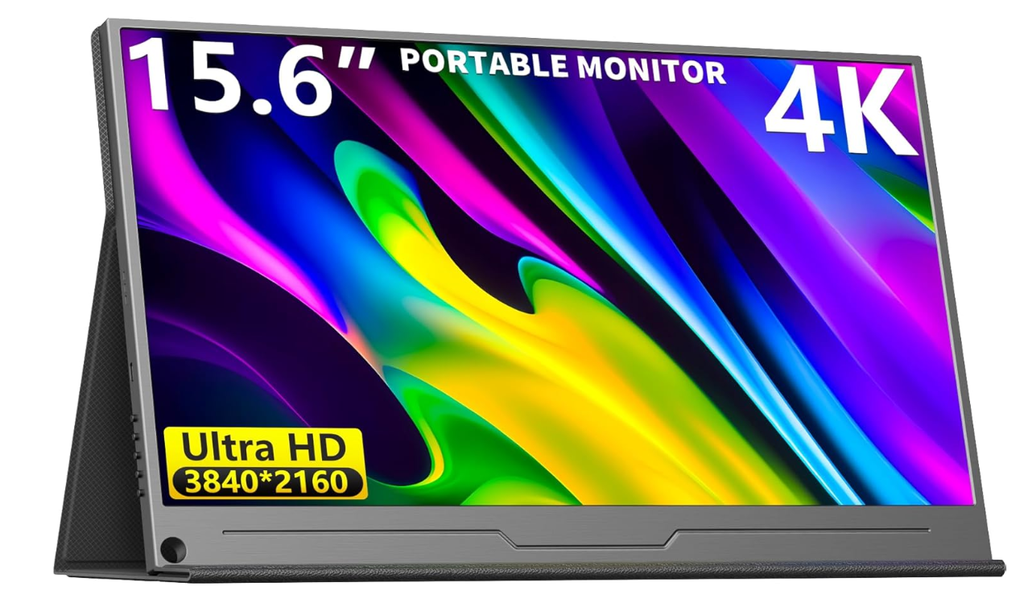
MagicRaven pairs a 4K panel with a 15.6-inch frame that stays noticeably lighter than the AdobeRGB-rated pick earlier in this guide. Built-in speakers cover casual video playback without a separate audio source, and the stand folds flat for transport.
At 3840×2160, the pixel density gives the same sharp text and fine detail as the premium 4K panel above, though the listing does not carry the same AdobeRGB colour certification. For general use, streaming and everyday multitasking that gap is unlikely to be noticeable.
Anyone doing colour-graded photo or video work should still reach for the AdobeRGB-certified panel higher up this list, since MagicRaven’s strength is 4K sharpness rather than verified colour accuracy. It suits buyers who want a 4K screen for general sharpness without paying for professional colour certification.
Pros
- 3840×2160 resolution at a lighter overall weight
- Built-in speakers cover casual audio needs
- Foldable stand packs flat for travel
Cons
- No certified AdobeRGB colour coverage
- Speakers are basic compared with a dedicated audio setup
Key specs: 15.6-inch IPS, 3840×2160, built-in speakers, foldable stand, USB-C and HDMI.
CHECK ON AMAZON9. ARZOPA 15.6-Inch Portable Monitor – Best Budget Pick
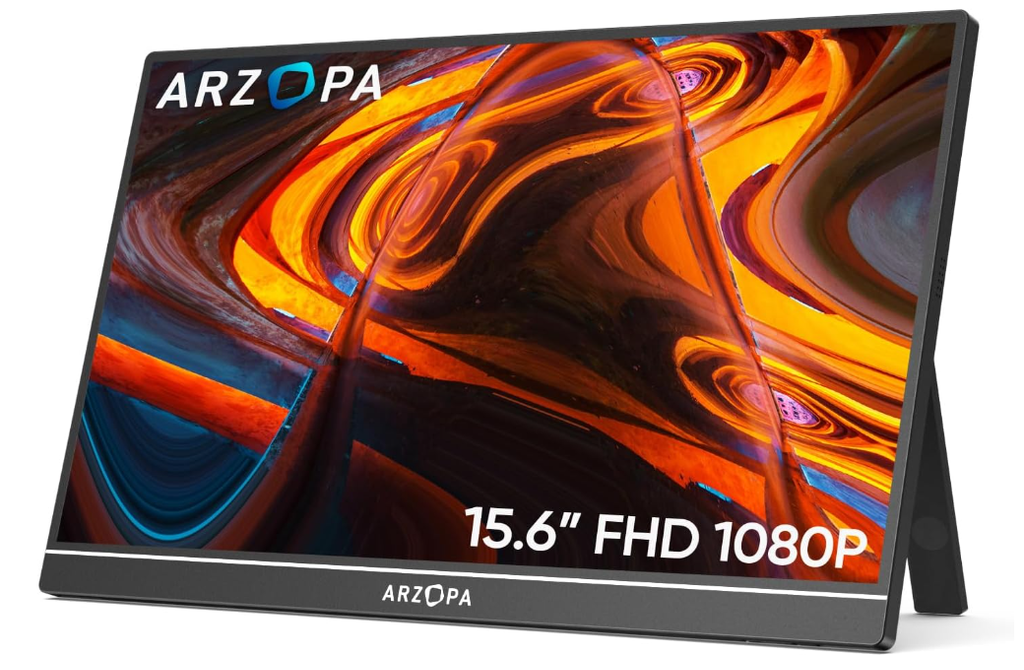
As the simplest screen in this lineup, this 15.6-inch 1080p panel skips the extras and focuses on the basics: a foldable stand that doubles as a protective cover, USB-C and HDMI inputs, and a chassis light enough to slide into a laptop sleeve.
Image quality covers email, browsers, spreadsheets and video calls without complaint, which is genuinely all most buyers need from a second screen. There is no touch layer, no high refresh rate and no wide colour gamut chasing the specs of the panels earlier in this guide.
That stripped-back spec sheet is also the appeal: it suits someone testing whether a portable monitor fits their workflow at all before spending more on an OLED or 4K panel. If it earns its keep, upgrading later is straightforward.
Pros
- Foldable stand doubles as a protective cover
- Light enough for a laptop sleeve
- Covers everyday productivity tasks without fuss
Cons
- No touchscreen or high refresh rate
- Colour gamut is narrower than the 2.5K and 4K panels above
Key specs: 15.6-inch IPS, 1920×1080, foldable stand, USB-C and HDMI.
CHECK ON AMAZON10. EVICIV Touchscreen Portable Monitor – Best Compact Touchscreen
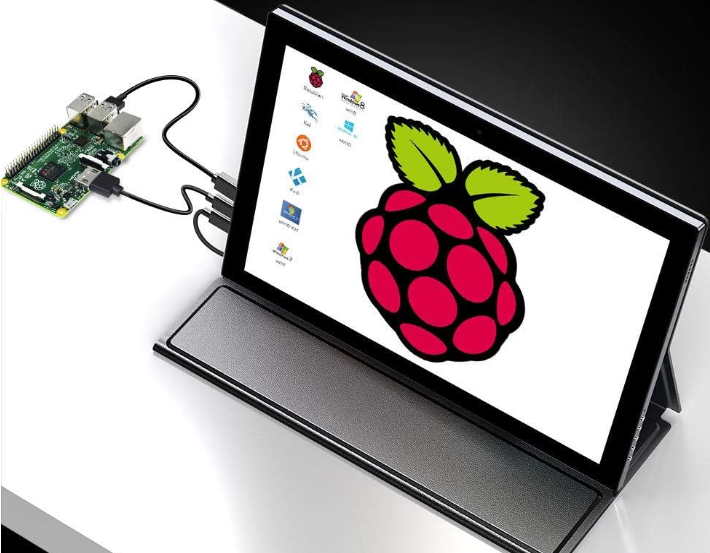
At 12.3 inches, this is the smallest screen in the whole lineup, built on a tall 16:10 aspect ratio at 1920×1280. The compact size makes it a natural fit for a single-board computer project or a tablet-style note-taking setup rather than a full productivity display.
The touchscreen responds well for menu navigation and light sketching, and 100% sRGB coverage with 300 nits of brightness keeps colours accurate for its size, even if the screen is too small for detailed photo work. A 1200:1 contrast ratio holds up in typical indoor lighting.
The small size that makes this monitor easy to carry also limits how useful it is as a full second desktop; a single browser window fills most of the available space. It suits developers and hobbyists running compact rigs such as a Raspberry Pi more than someone wanting a full-time office second screen.
Pros
- Smallest, lightest screen in this guide
- Touchscreen input for compact-rig projects
- 100% sRGB colour accuracy for its size
Cons
- Too small to serve as a primary second monitor
- 300 nits is dimmer than the larger panels in this guide
Key specs: 12.3-inch IPS touchscreen, 1920×1280, 16:10, 100% sRGB, 300 nits, 1200:1 contrast.
CHECK ON AMAZONHow to Choose a Portable Monitor
Resolution and screen size set the ceiling for how much a portable monitor can do. A 1080p panel keeps weight and cost down and suits email, browsers and video calls, while a 2.5K or 4K screen earns its keep for photo editing, video work or anyone who spends hours reading small text. Bigger is not automatically better here, since a 17.3-inch screen adds bulk that a 13.3-inch panel avoids.
Brightness and colour accuracy matter more in Australia than the spec sheet suggests, since a dim panel washes out under a bright north-facing window or outdoor light on a Queensland verandah. Look for at least 300 nits for general use and closer to 500 nits plus verified sRGB or AdobeRGB coverage for editing work, rather than trusting a marketing claim with no percentage attached.
Ports and cable count decide whether a portable monitor is genuinely single-cable or ends up needing a second lead for power. A full-function USB-C port carries video, data and power together; a charge-only USB-C port does not, and some cheaper panels only supply one of each. Check for at least one full-function port before assuming a single cable will run the whole setup.
Refresh rate for gaming is the one spec that general-purpose panels tend to skip. A standard screen runs at 60Hz, which is fine for productivity but noticeably behind a 120Hz or 144Hz panel once a console or handheld PC is doing anything fast-paced. Anyone building a setup specifically around gaming should check this spec first, before colour accuracy or brightness, since it decides how the screen feels in fast-moving titles.
Weight and build decide how often a portable monitor actually leaves the house. Under a kilogram is comfortable for a daily bag; anything heavier tends to stay on a desk rather than travel. A metal-backed panel survives being tossed in a backpack better than a thin plastic shell, even if it adds a little weight.
Stand and mounting options range from a folio cover that doubles as a kickstand to a dedicated table stand or VESA-compatible mount for a semi-permanent desk setup. A folio cover suits travel and lap use; a table stand or VESA mount suits a screen that mostly lives in one spot. Check which one is included before assuming a stand ships in the box.
Frequently Asked Questions
What is a portable monitor used for?
A portable monitor gives a laptop, phone or games console a second screen for multitasking, presentations or gaming. It draws power from the connected device over USB-C, so it needs no separate power supply or software install to work.
Do portable monitors need their own power source?
Most do not. A single USB-C cable carrying both video and power is enough for the majority of laptops and phones. Older laptops with limited USB-C power output may need the monitor’s second port connected to a wall charger as well.
What size portable monitor is best for travel?
A 13 to 15.6-inch panel under one kilogram fits most laptop sleeves and daily bags without adding noticeable bulk. Screens above 17 inches add useful working space but are better suited to a fixed desk than daily commuting.
Can a portable monitor run a games console?
Yes, provided the console outputs over HDMI or USB-C and the monitor accepts that input. For fast-paced games, a panel with a 120Hz or 144Hz refresh rate shows a clear improvement over a standard 60Hz screen.
Is a touchscreen portable monitor worth the extra cost?
It depends on the use case. Touch input helps with sketching, photo culling or running a compact single-board computer, but adds little value for someone using the screen mainly for spreadsheets, documents or video calls.
What warranty protection applies to a portable monitor bought online in Australia?
Products sold to Australian consumers carry automatic guarantees under Australian Consumer Law regardless of any separate manufacturer warranty, covering faults that make the item not of acceptable quality or not fit for its stated purpose.
Verdict
For most buyers comparing the best portable monitors in this guide, the ARZOPA 2.5K Portable Monitor is the strongest all-round pick, pairing sharp text and a built-in kickstand with a size that still travels well. Anyone doing colour-critical photo or video work should look at the UPERFECT 4K Portable Monitor instead, since its AdobeRGB coverage is the one genuine step up in accuracy across this list. For a first portable monitor with no complications, the ARZOPA 15.6-Inch Portable Monitor covers the basics at the lightest overall cost of entry.