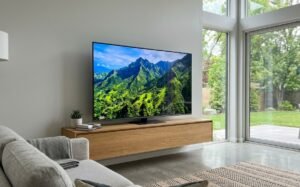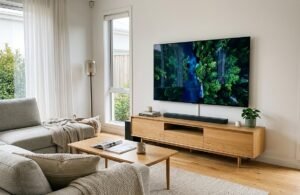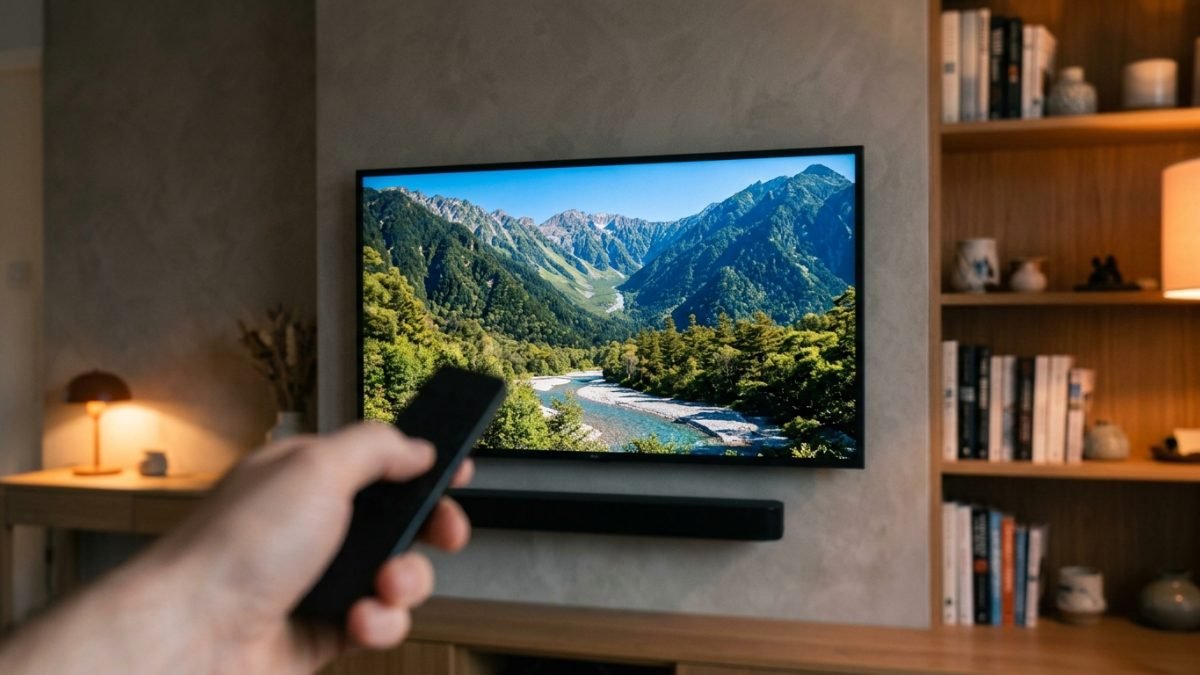
The best smart TV in Australia is chosen by panel technology rather than by screen size, because the panel decides what the picture can physically do and the size only decides how much of it there is. A large set with a weak panel looks worse than a smaller set with a good one from the same seat.
Panel technology is the only specification on the box that no software update can improve. Everything else about a television can be patched; the way it produces light cannot. Four constructions cover almost everything sold here: OLED, Mini LED, QLED, and standard LED.
Room light is the variable that decides between them. Screens in this guide span 48 inches to 75 inches, roughly 122 cm to 190 cm across the diagonal, and refresh rates run from 60Hz to 144Hz. How much daylight reaches the screen matters more than either number.
The eight sets below are grouped by what the panel is physically capable of, since that is the part no firmware update can change.
Best Smart TV in Australia Compared
| Product | Link | Type | Best For | Key Spec |
|---|---|---|---|---|
| LG 48-Inch OLED AI B6 | Check price | OLED | Dark rooms and film watching | 48 in, OLED, 4K, 2026 model |
| Philips 55-Inch OLED Ambilight | Check price | OLED with Ambilight | Wall-lit viewing and gaming | 55 in, OLED, 120Hz, 3-sided |
| Samsung 55-Inch Q8F QLED | Check price | QLED | Living rooms with windows | 55 in, QLED, 4K |
| Sony 75-Inch X77L BRAVIA | Check price | LED | Big rooms and mixed content | 75 in, LED, 4K HDR |
| LG 55-Inch QNED Evo AI Mini LED | Check price | Mini LED | Bright rooms wanting deep black | 55 in, Mini LED, 4K, 2025 |
| SKYWORTH 55-Inch X8700G QD-Mini LED | Check price | QD-Mini LED | Console and PC gaming | 55 in, QD-Mini LED, 144Hz |
| JVC 65-Inch 4K QLED | Check price | QLED | Maximum inches on a budget | 65 in, QLED, 4K |
| Kogan 50-Inch LED 4K Smart AI | Check price | LED | Bedrooms and second sets | 50 in, LED, 4K, Google TV |
1. LG 48-Inch OLED AI B6 – Best OLED Picture
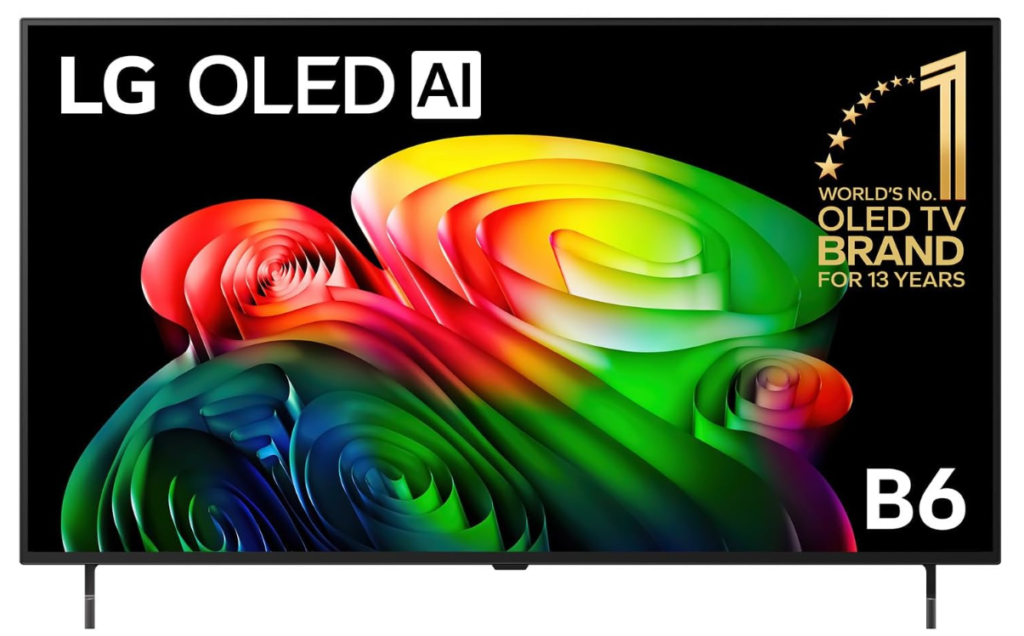
Every pixel in an OLED panel produces its own light and switches off completely when the image calls for black, which is why this set shows shadow detail that backlit panels approximate. At 48 inches it is the smallest screen here and the only true OLED in the group at this size.
The practical effect appears in dark scenes rather than bright ones. There is no backlight bleeding around subtitles, no grey wash in night sequences, and contrast holds at the edges of the frame instead of falling away.
OLED gives up peak brightness to reach that contrast, so a sunlit north-facing lounge will defeat it in a way it would not defeat the Mini LED sets below. Treat it as the pick for a room where you control the light.
Pros
- Per-pixel illumination and true black
- No backlight bleed around bright objects
- 48 inches suits smaller rooms
- 2026 model year
Cons
- Lower peak brightness than Mini LED
- Smallest screen in this guide
Key specs: 48 in OLED panel, 4K UHD, LG AI processing, webOS smart platform, 2026 model year
CHECK ON AMAZON2. Philips 55-Inch OLED Ambilight – Best for Ambient Viewing
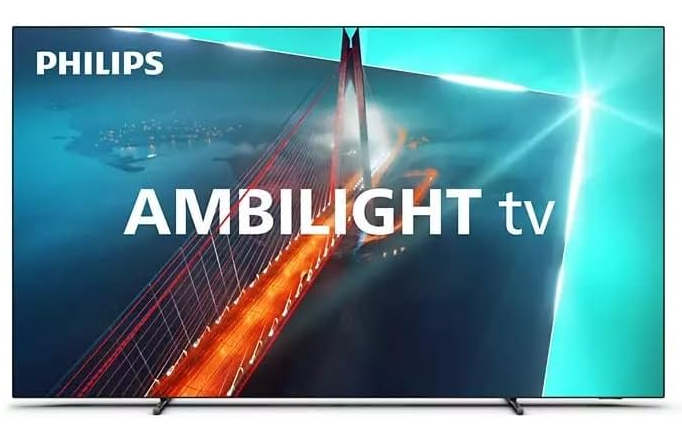
LEDs mounted on three sides of the chassis throw colour onto the wall behind the screen, matched in real time to what is on it. No other brand sold in Australia does this, and it is the entire reason this set has a following.
Behind the trick sits serious hardware: a 55-inch OLED panel at native 120Hz, the P5 picture engine, four HDMI 2.1 inputs with G-Sync, VRR and FreeSync, and DTS:X alongside Dolby Atmos through a 2.1-channel 260W system. The wall lighting also reduces the perceived contrast strain of watching a bright screen in a dark room.
This is a 2023 model built under licence rather than a current flagship, and local service support is thin because the brand withdrew from mainstream Australian TV distribution. Buy it for Ambilight, knowing that is what you are paying for.
Pros
- Three-sided Ambilight, unique in this market
- Native 120Hz OLED with G-Sync and FreeSync
- DTS:X plus Dolby Atmos, 260W 2.1 system
- Four HDMI 2.1 inputs
Cons
- 2023 model year
- Limited Australian service network
Key specs: 55 in 4K OLED, native 120Hz, P5 Perfect Picture Engine, 3-sided Ambilight, Dolby Vision, Dolby Atmos and DTS:X, 4x HDMI 2.1, Google TV
CHECK ON AMAZON3. Samsung 55-Inch Q8F QLED – Best Bright-Room Picture
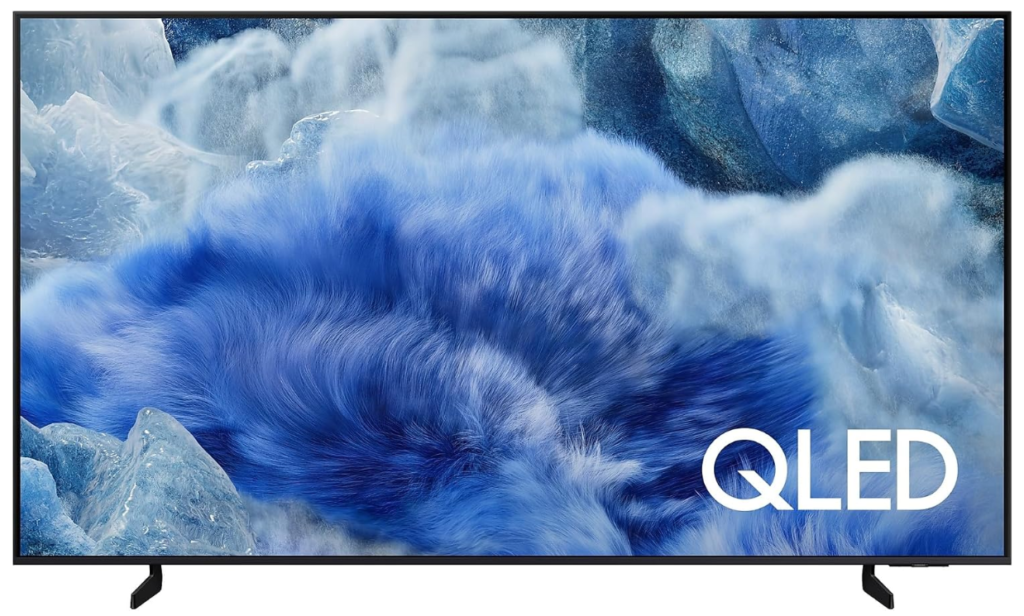
Quantum dots sit in front of the backlight and convert its light into purer red and green, which is how a QLED panel holds colour saturation at brightness levels that would wash out an OLED. This is the mainstream living-room choice rather than the enthusiast one.
Where it earns its place is the room most Australians actually watch television in: curtains open, afternoon sun on one wall. Colour stays convincing at high brightness and reflections are handled better than on the OLED sets above.
Black levels cannot match per-pixel illumination, so letterbox bars in a dark room will read as very dark grey rather than black. That trade is the whole QLED proposition.
Pros
- Holds colour at high brightness
- Better reflection handling than OLED
- Mature smart platform with long app support
- 55 inches suits most living rooms
Cons
- Black levels behind OLED
- Backlight blooming around bright objects on dark scenes
Key specs: 55 in 4K QLED, quantum dot layer, Samsung Tizen smart platform
CHECK ON AMAZON4. Sony 75-Inch X77L BRAVIA – Best Large Screen
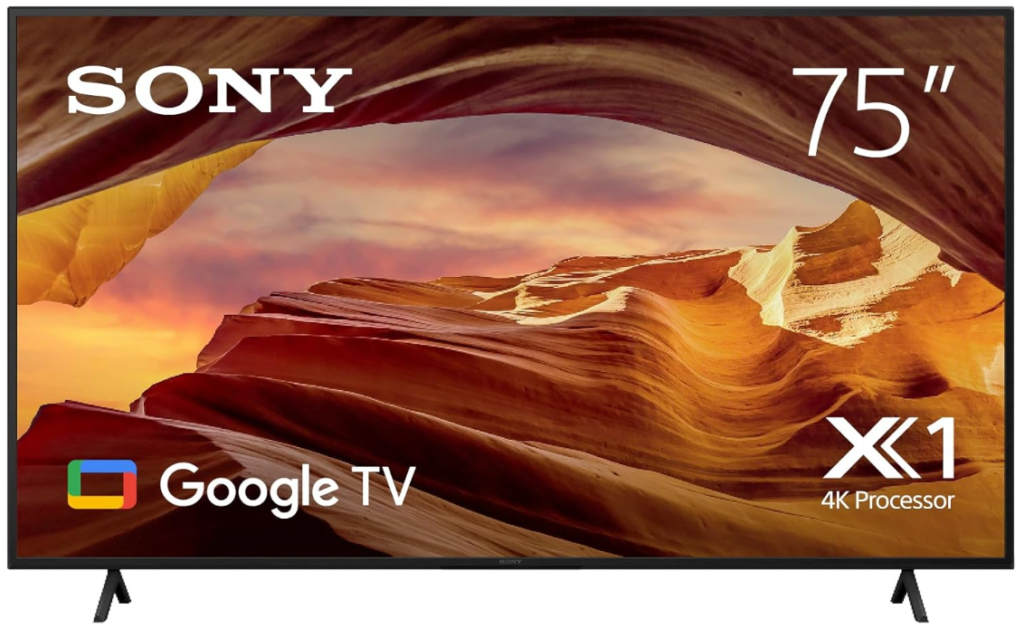
Seventy-five inches is the largest screen in this guide, and the reason to choose this particular one is processing rather than panel. Sony’s picture engines have long been the best in the business at cleaning up low-bitrate sources.
That matters more than any specification for the way people actually watch: free-to-air broadcast, compressed streaming and old files all look better here than the raw panel would suggest. Motion handling in sport is the other place the processing shows.
The panel itself is standard LED rather than OLED or Mini LED, so contrast is the weakest in this guide on paper. It suits a large room where screen size and clean upscaling matter more than absolute black.
Pros
- Best upscaling of compressed and broadcast content
- Strong motion handling for sport
- 75 inches, the largest here
- Google TV platform
Cons
- Standard LED panel, weakest contrast in this guide
- No Mini LED or quantum dot layer
Key specs: 75 in 4K LED, HDR, Sony BRAVIA processing, Google TV platform
CHECK ON AMAZON5. LG 55-Inch QNED Evo AI Mini LED – Best Mini LED
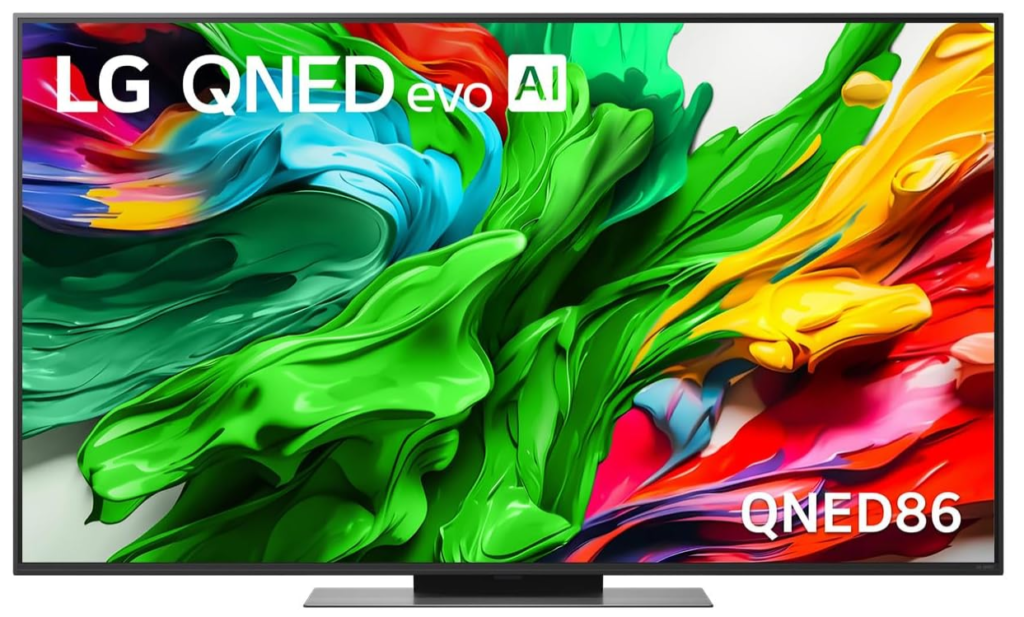
Mini LED replaces a few dozen backlight zones with hundreds or thousands of much smaller ones, so the panel can hold a bright object next to a dark one without lighting the whole region. It is the middle path between LED and OLED.
In practice this delivers most of OLED’s contrast in a room OLED struggles with. Bright highlights keep their punch while the surrounding area stays dark, and there is none of the brightness ceiling that limits the OLED sets above.
Halo artefacts around very small bright objects on black backgrounds still appear, which is the residual limitation of any backlit design. It is the best compromise here for a room with variable light.
Pros
- Hundreds of dimming zones rather than dozens
- High brightness with strong contrast
- Quantum dot and NanoCell layers combined
- 2025 model year
Cons
- Some haloing around small bright objects
- Costs more than a comparable QLED
Key specs: 55 in 4K QNED Evo Mini LED, quantum dot with NanoCell, LG AI processing, webOS, 2025 model year
CHECK ON AMAZON6. SKYWORTH 55-Inch X8700G QD-Mini LED – Best for Gaming
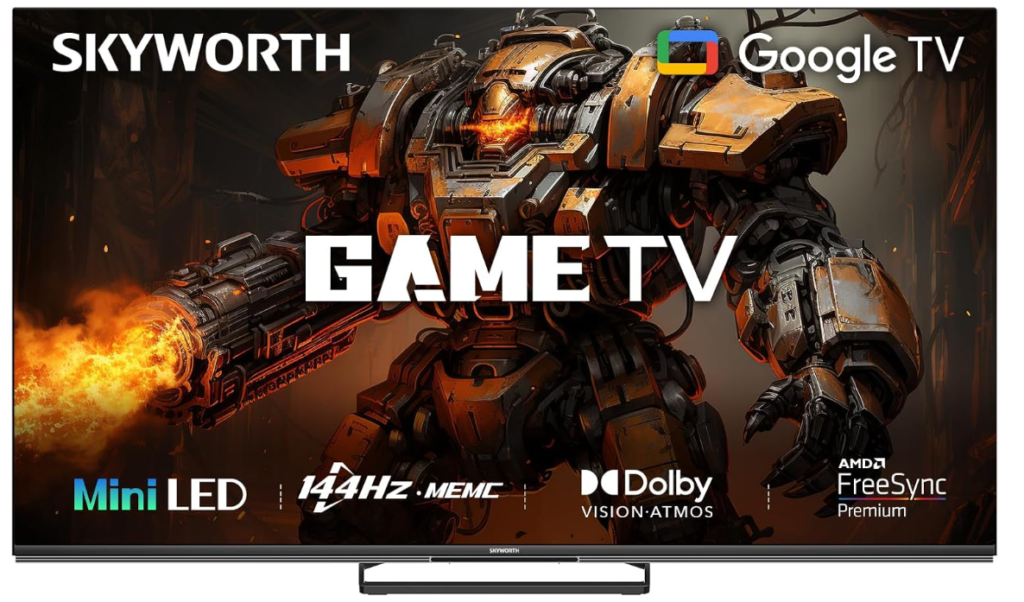
One hundred and forty-four hertz is the specification that separates this from everything else here, where 120Hz is the ceiling and 60Hz is common. It pairs that refresh rate with a QD-Mini LED panel and a 2.1.2 channel sound system with a built-in subwoofer.
A higher refresh rate only matters if the source can feed it, which a gaming PC or a current console can. Combined with Mini LED contrast, fast-moving high-contrast scenes stay clean rather than smearing, and the onboard subwoofer removes the immediate need for a soundbar.
The brand carries none of the reputation of the four above it and its image processing is not in the same class for broadcast content. Choose it if the screen is mostly fed by a console rather than a tuner.
Pros
- 144Hz panel, the fastest here
- QD-Mini LED contrast
- 2.1.2 audio with built-in subwoofer
- Google TV platform
Cons
- Weaker processing of broadcast and compressed sources
- Little local brand or service presence
Key specs: 55 in QD-Mini LED, 4K UHD, 144Hz refresh, 2.1.2 channel audio with built-in subwoofer, MagicSound, Google TV
CHECK ON AMAZON7. JVC 65-Inch 4K QLED – Best Screen Size for the Money
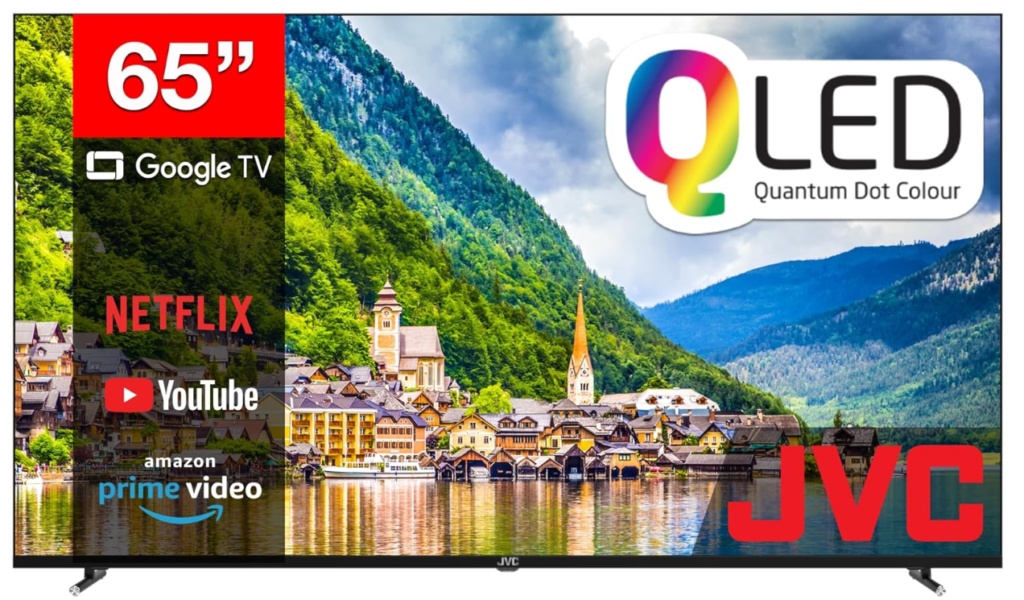
Sixty-five inches with a quantum dot layer is the most screen area with real colour technology in this guide at this level. The model designation is AV-AQ657155A and it runs Google TV.
Viewing distance is the argument for it. Beyond about two and a half metres, the extra ten inches over a 55-inch set changes the experience more than a better panel at the smaller size would, and a quantum dot layer means the colour holds up.
Processing and local dimming are basic next to the premium sets above, so fine detail in dark scenes is lost. It is the sensible choice when the room is large and the priority is filling it.
Pros
- 65 inches with a quantum dot layer
- Google TV platform
- Larger screen than the premium 55-inch sets
- Straightforward setup
Cons
- Basic local dimming and processing
- Little brand heritage in panels
Key specs: 65 in 4K QLED, quantum dot layer, Google TV platform, model AV-AQ657155A
CHECK ON AMAZON8. Kogan 50-Inch LED 4K Smart AI – Best Budget Set
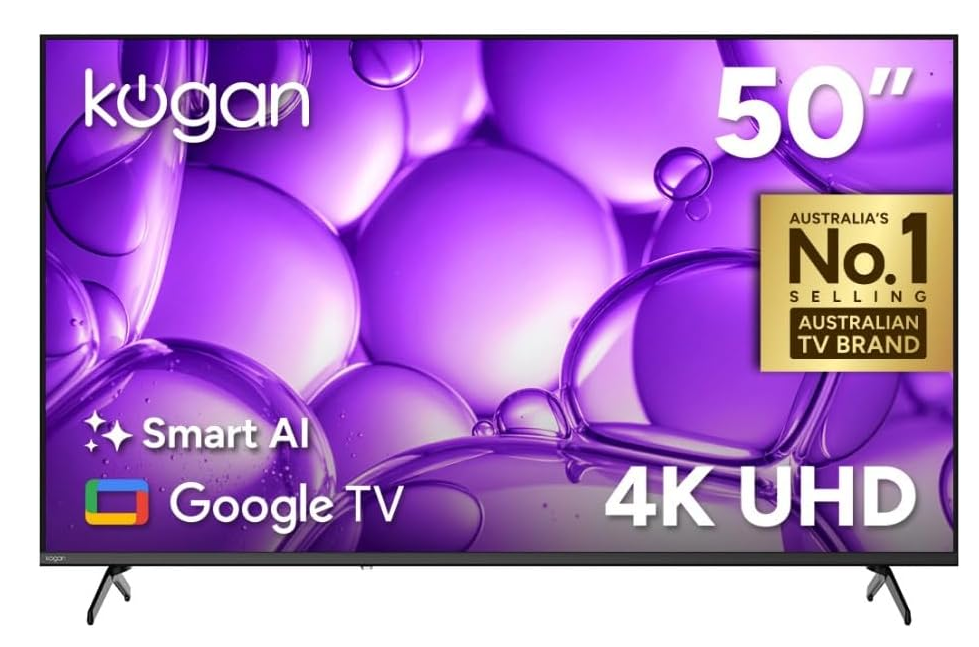
Fifty inches, 4K resolution and Google TV at the lowest outlay of anything here that is not a 32-inch panel. The model is the U95T and it is a straightforward LED set with no quantum dot or Mini LED layer.
For a bedroom, a spare room or a kitchen, resolution and a competent smart platform are what actually get used, and both are present. Google TV means the same app library and voice control as the sets several times the price.
Colour volume and contrast are ordinary and it will not satisfy anyone watching films seriously. Read it as a second television rather than the main one.
Pros
- 4K and Google TV at the lowest outlay
- 50 inches suits secondary rooms
- Same app library as premium Google TV sets
- Simple setup
Cons
- No quantum dot or Mini LED layer
- Ordinary contrast and colour volume
Key specs: 50 in 4K LED, Google TV platform, AI upscaling, model U95T
CHECK ON AMAZONHow to Choose a Smart TV
Match the panel to the room, not to the review score. OLED wins every dark-room comparison and loses in a sunlit lounge, where Mini LED and QLED hold colour at brightness OLED cannot reach. Work out when you actually watch before reading any picture-quality verdict.
Work out your viewing distance first. Beyond about two and a half metres most people stop resolving 4K detail on a 55-inch screen, which is the point at which extra inches deliver more than a better panel. Measure the seat-to-wall distance before choosing a size.
Treat refresh rate as a gaming specification. Broadcast and streaming content is made at 24, 25 or 50 frames per second, so a 144Hz panel changes nothing for it. It matters when a console or a PC can actually produce those frames.
Check which smart platform it runs and how long it will be supported. Google TV appears on most sets here and brings the same app library across price points, and it also puts feeds from compatible home security cameras on the screen directly. A platform that stops receiving app updates dates a television faster than its panel does.
Decide whether a television is even the right screen. Past about 75 inches the cost per inch turns sharply against panels, and a portable projector throws a far larger image for less outlay, provided the room can be darkened. For a dedicated media room that comparison is worth making before buying the biggest set in the budget.
Budget for sound separately unless the set states otherwise. Thin panels leave no room for speaker enclosures, which is why most televisions sound worse than a decade-old set. One television here includes a subwoofer; for the rest, assume a soundbar is part of the cost. Australian Consumer Law guarantees apply to every set listed regardless of the written warranty, and a panel developing faults well inside a reasonable lifespan is a fault under that law.
Frequently Asked Questions
Is OLED or QLED better for an Australian living room?
QLED usually suits an Australian living room better, because most are bright rooms with large windows and QLED holds colour saturation at high brightness. OLED produces a better picture in a controlled dark room, so the answer depends on when and where you watch rather than which panel is technically superior.
What is the difference between Mini LED and OLED?
Mini LED still uses a backlight but divides it into hundreds or thousands of small dimming zones instead of dozens, so it gets close to OLED contrast while staying much brighter. OLED lights each pixel individually and switches it fully off for black, which Mini LED cannot quite match around small bright objects.
Does a 144Hz TV improve normal television watching?
No. Broadcast and streaming content is produced at 24, 25 or 50 frames per second, so the panel has nothing extra to display. A high refresh rate only helps when a games console or a computer is generating frames fast enough to use it.
What size smart TV should I buy for my room?
Measure from the seat to the wall. Around two to two and a half metres a 55-inch set fills the field of view comfortably, and beyond three metres a 65-inch or larger screen makes better use of 4K resolution. Sitting too close to a large panel makes compression artefacts more visible, not less.
Do smart TVs need a soundbar?
Most do. A thin panel leaves no cabinet volume for speakers, so dialogue clarity and bass suffer even on expensive sets. One television in this guide includes a built-in subwoofer; for the others, budgeting for a soundbar is realistic rather than optional.
How long do smart TV platforms keep receiving updates?
Platform support usually ends well before the panel fails, and that is what makes a television feel old. Sets running a widely adopted platform tend to keep app compatibility longest, because streaming services continue building for the platforms with the largest installed base.
The Verdict
Screen size is the decision most people get wrong, and they get it wrong in both directions. In a room with the curtains open most of the time, the Samsung 55-Inch Q8F QLED is the honest answer, because colour that survives daylight matters more than black levels nobody will see. Where the room can be darkened and films are the point, the LG 48-Inch OLED AI B6 shows shadow detail that no backlit panel here reproduces. And for a large room fed mostly by broadcast and streaming rather than a console, the Sony 75-Inch X77L BRAVIA spends its budget on the processing that cleans up compressed sources, which is the part of the picture most sets at this size ignore.